Email checks that the answer is a valid email address before the form can be sent, so you aren’t left with a typo you can’t reply to. The address can also go straight into your notification emails, so the person gets a copy or you can reply with one click.
Examples
- A newsletter sign-up.
- A support request where you need a way to write back, with the answer piped into the notification’s Reply To.
- A booking form that emails the customer a confirmation at the address they typed.
Set it up
- In the builder, point between two fields and select Add Field. On an empty form, select Start from Scratch.
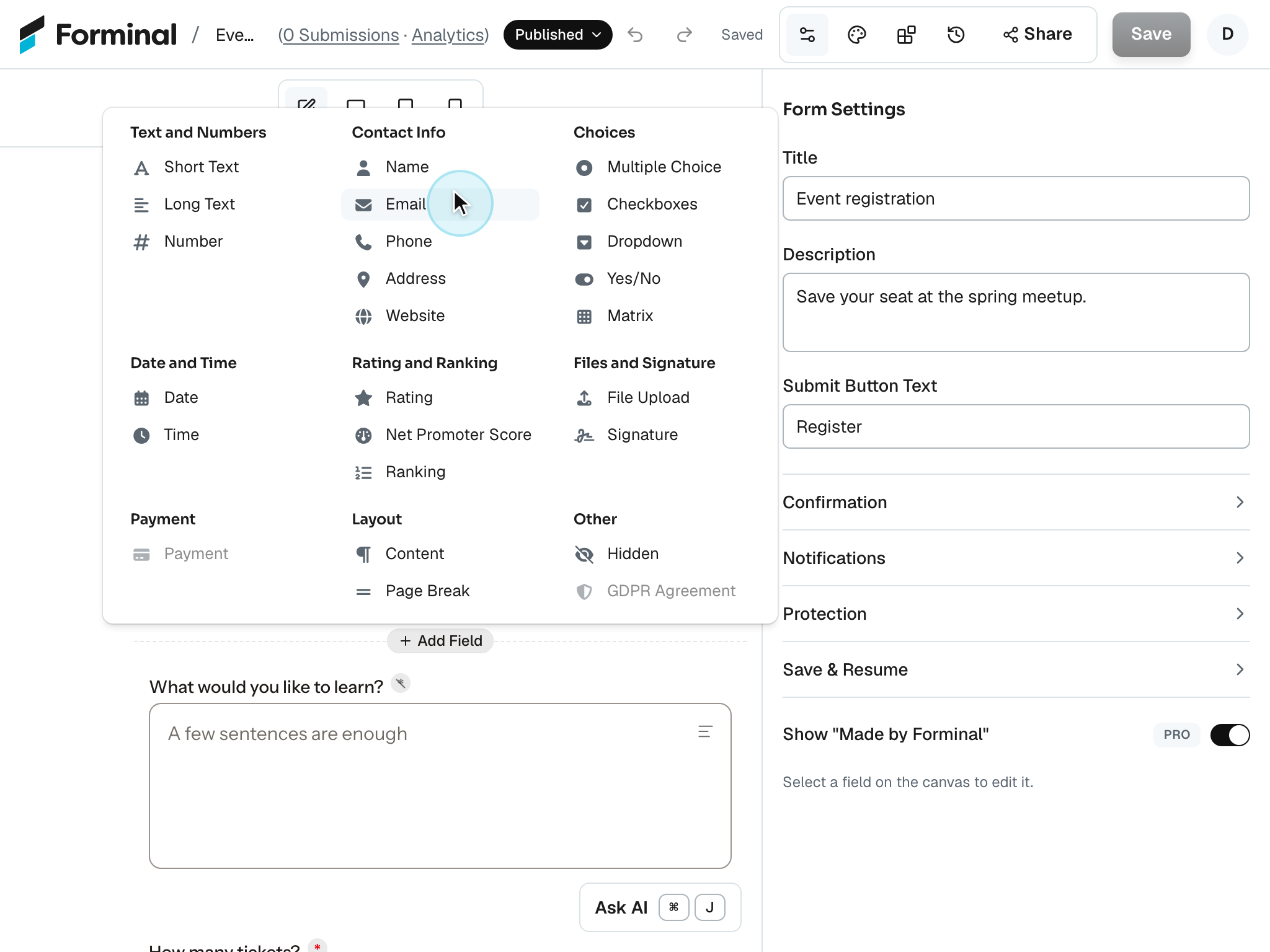
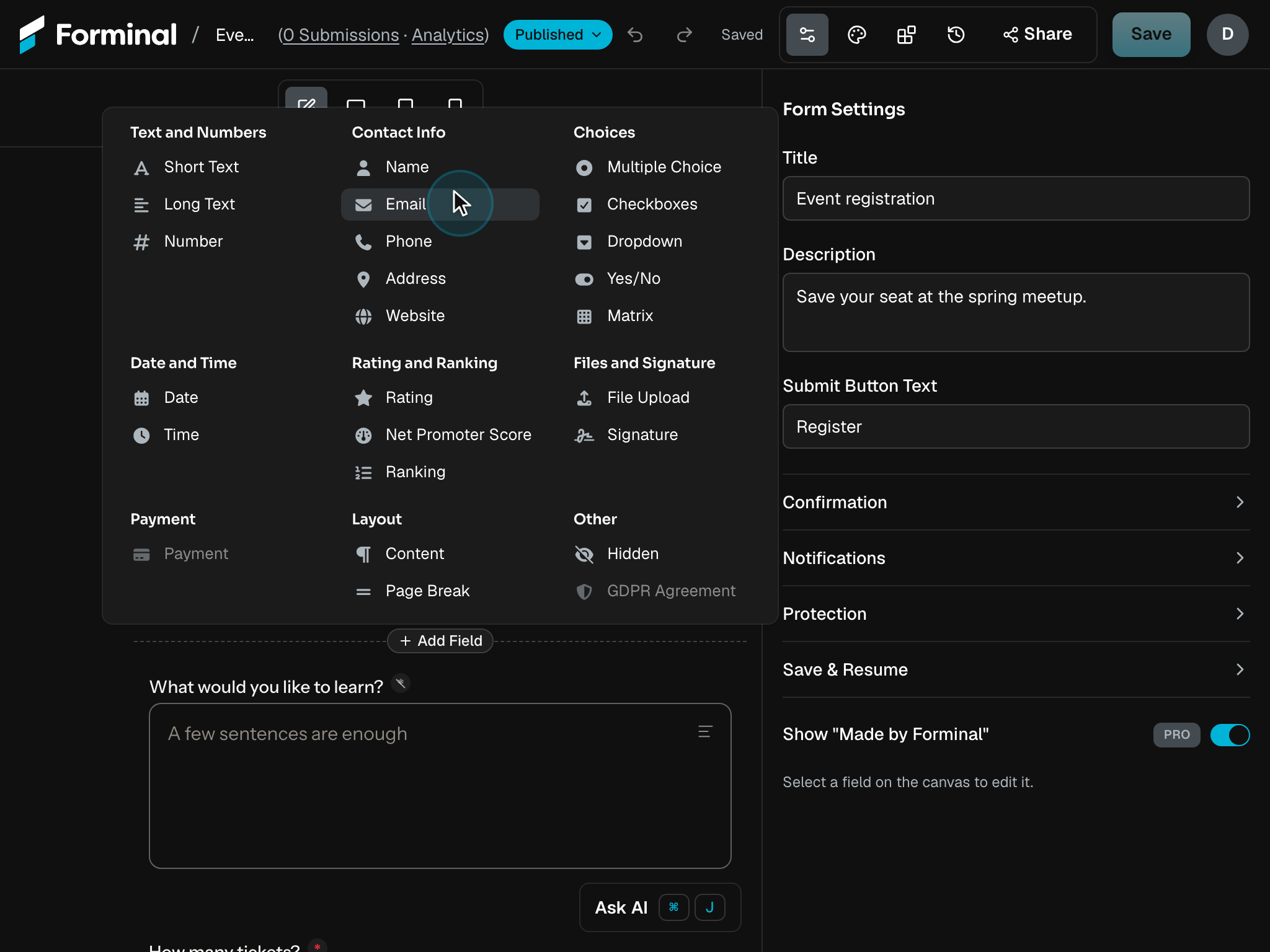
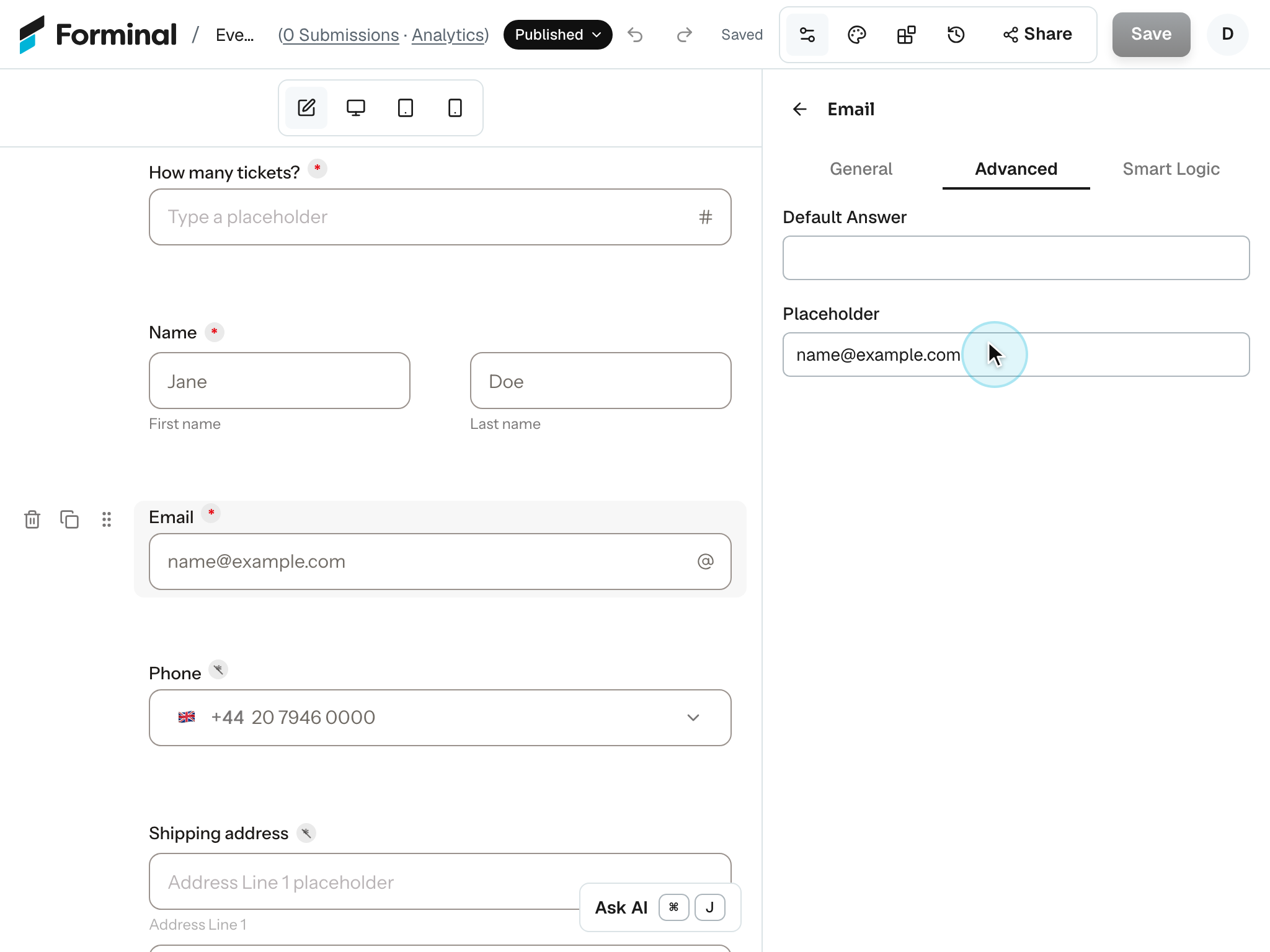
- Under Contact Info, select Email. It comes with the label “Email” and the placeholder “[email protected]”.
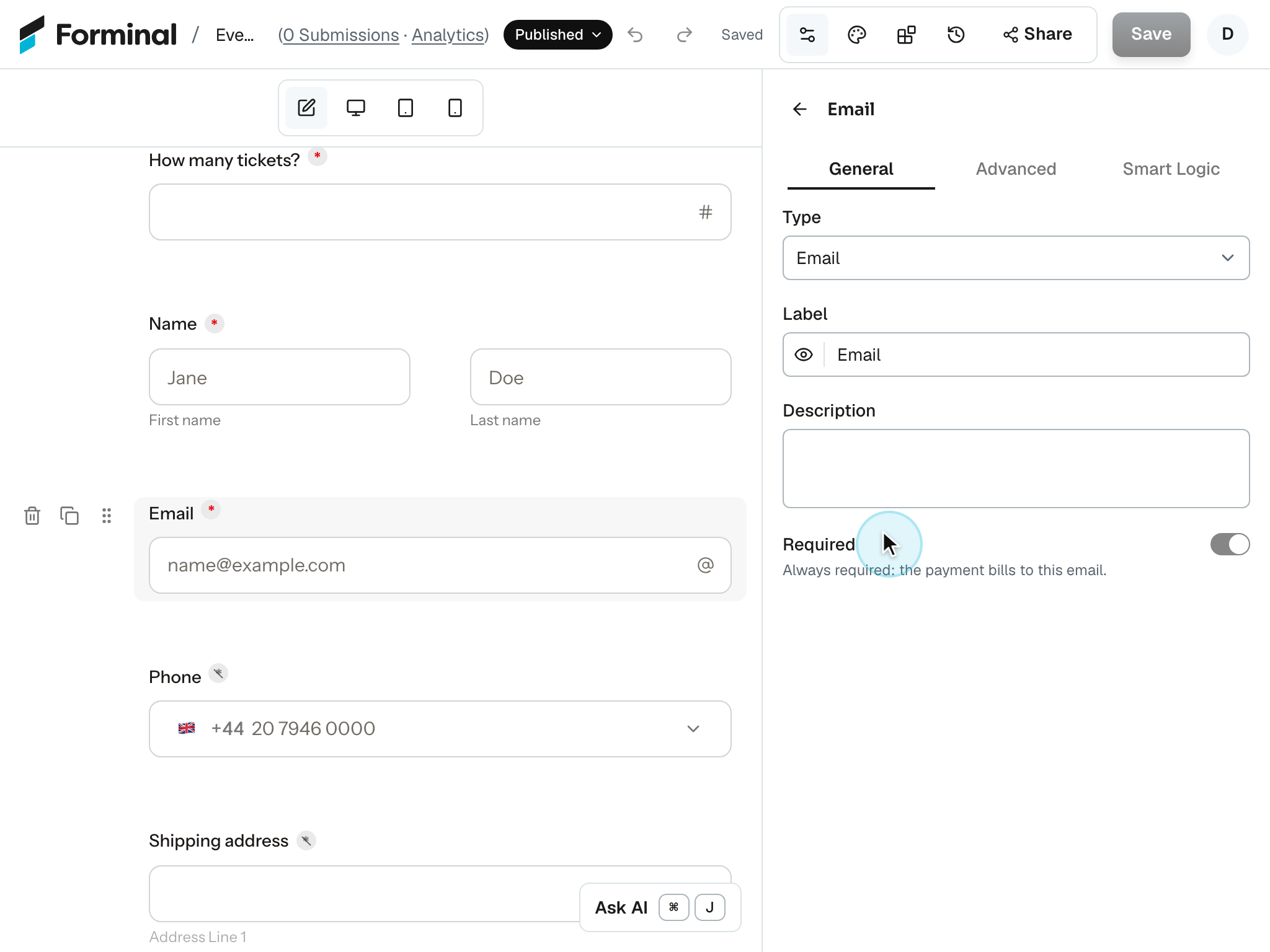
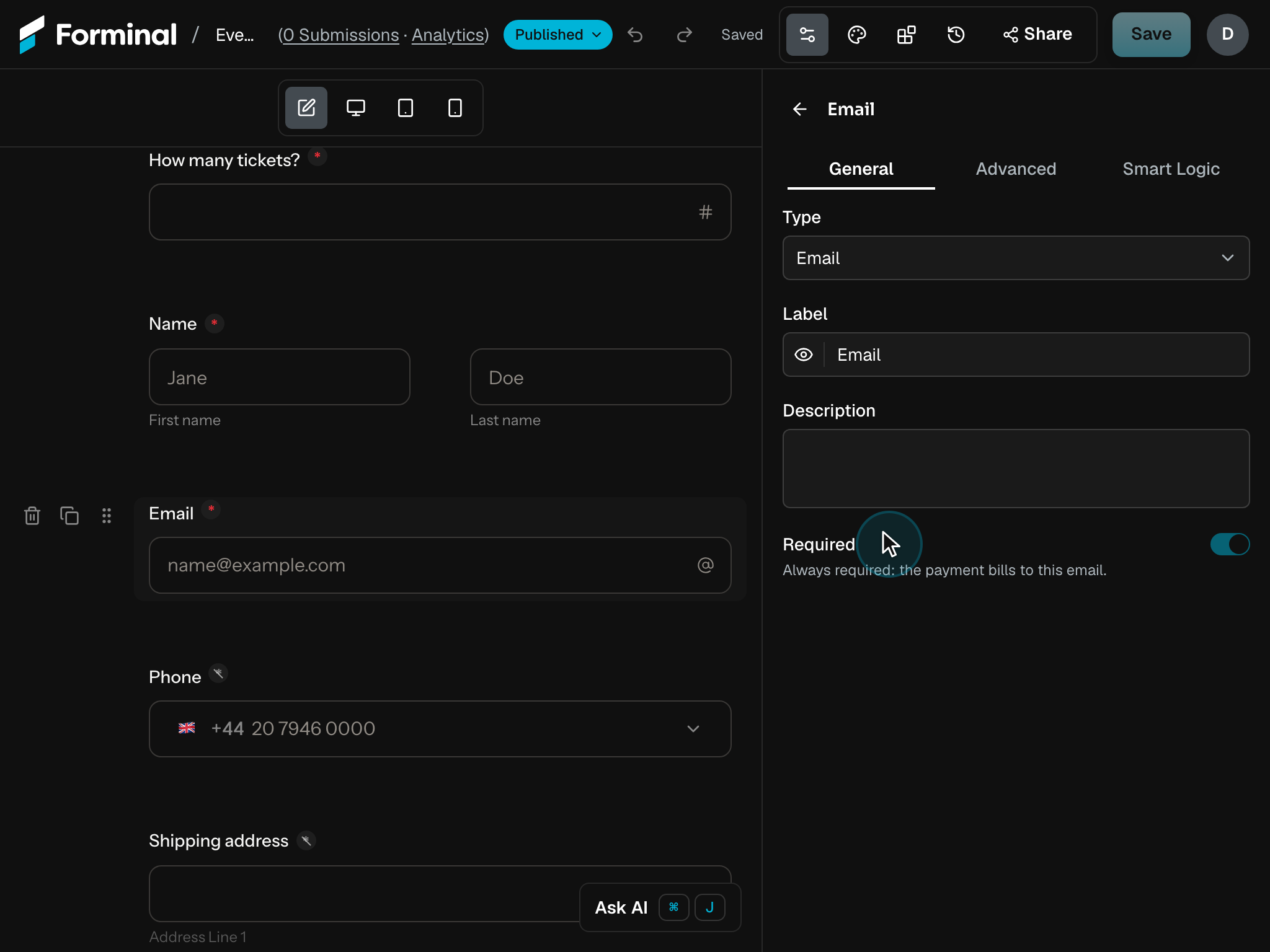
- Turn on Required on the General tab if you can’t follow up without it.
- On the Advanced tab, change the Placeholder or add a Default Answer. A default has to be a valid address too.
Use the address in notifications
In a notification’s To, CC and Reply To boxes, type @ and select the Email field. To sends the email to the person who filled in the form. Reply To means that when you hit Reply on the notification, your answer goes to them. If they left the field blank, a notification addressed only to them isn’t sent.
On a form that takes payments, the payment is billed to an Email field, and that field is always required. A form with a payment field can’t be published without one.
What people see and how answers show
People get an email box, which on phones brings up a keyboard with @ on it. If the address isn’t valid, they see “Enter a valid email address”. Spaces around it are trimmed.
On the Submissions page, the first Email field on the form is the Primary column by default, so each row starts with who sent it. You can pick another field from the column’s menu. The address appears as typed in the CSV export and notification emails. Smart Logic can check it with the text checks, so “ends with @yourcompany.com” can show a field only to your colleagues.
Good to know
The check makes sure the address is written correctly, not that the mailbox exists. A form can have more than one Email field, and you can pipe whichever you need. To accept only one submission per address, pick the field under Unique Email Field when you turn on One Submission per Person.
Frequently asked questions
Does Forminal check that an email address actually exists?
No. The field checks that the address is written correctly, not that the mailbox exists.
Can the person who filled in the form get a copy of their answers?
Type @ in a notification’s To box and pick the Email field, and the notification goes to the address they typed. If they left it blank, a notification addressed only to them isn’t sent. See email notifications.
Can I stop one email address from submitting twice?
Turn on One Submission per Person and pick this field under Unique Email Field.
Why does a payment form need an Email field?
The payment is billed to that address, and Stripe sends the receipt there. A form with a Payment field can’t be published without one, and that Email field is always required.
Can I change the invalid email error message?
Messages the form shows on its own, such as “Enter a valid email address”, are in English, because a form has no language setting. You can write the label, description and placeholder in any language.