You can open the builder and make a form without signing up first. You get the full builder straight away, and you only need an account when you want to publish the form or connect it to other tools.
Examples
- Trying the builder before deciding to use it.
- Sketching a quick form during a meeting.
- Starting from a template to see how it would look with your own questions.
Start a form
- Open
https://app.aw.co.ua/new. A new draft opens in the builder. A template link opens the same way, with the template already filled in.
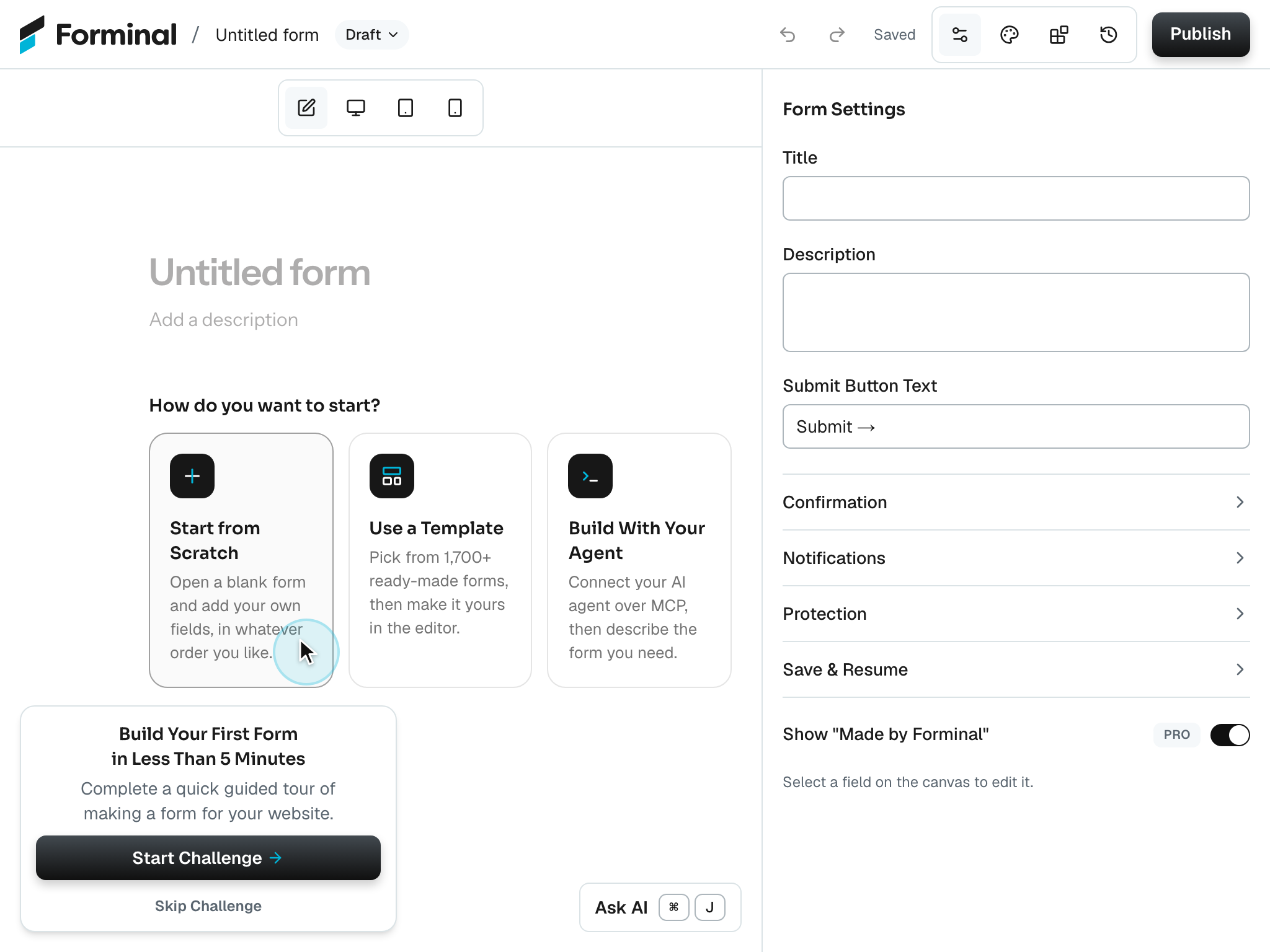
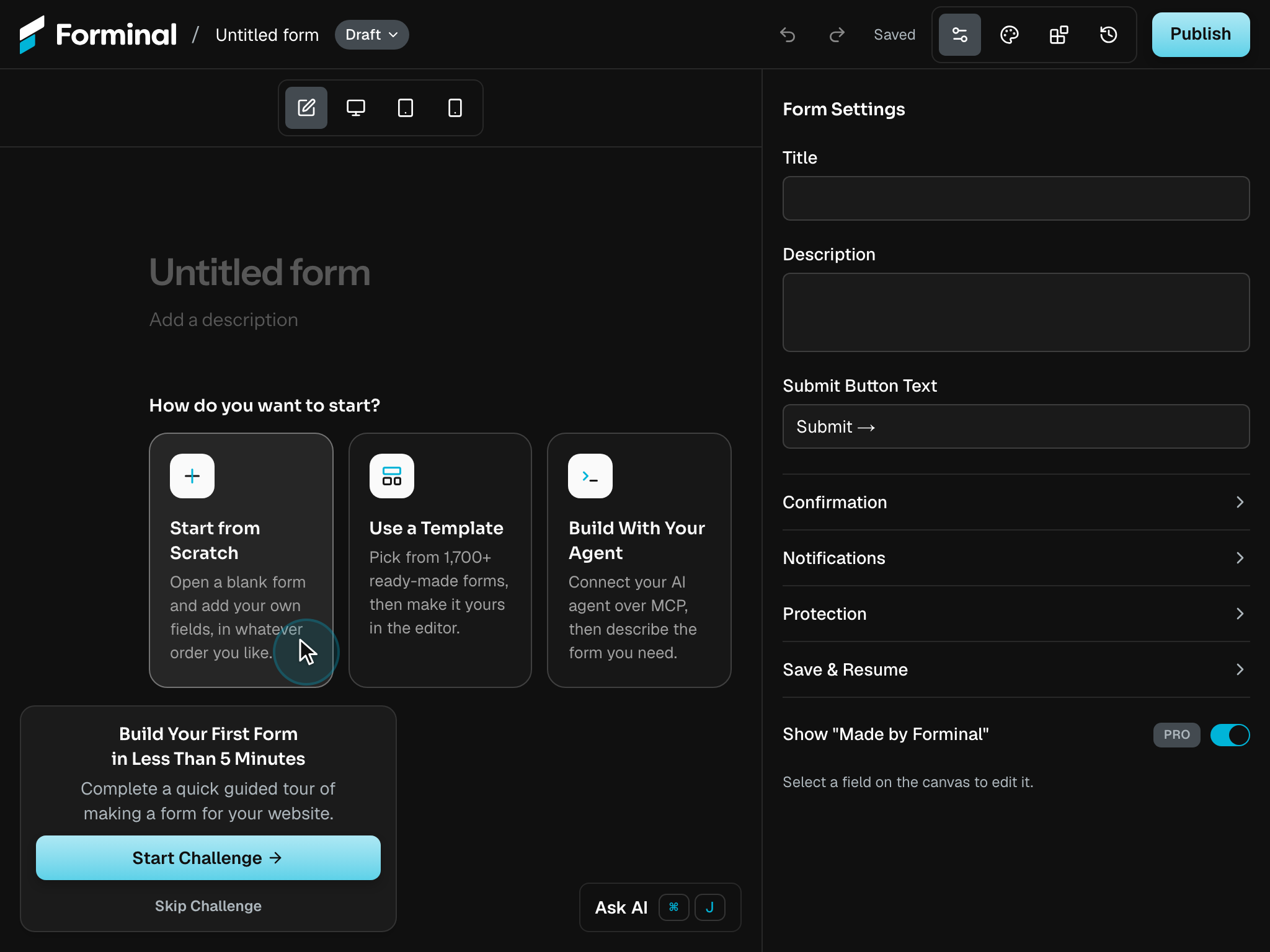
- Add fields, write your questions and change the look. On the empty form, Start from Scratch opens the list of field types, and Use a Template fills the draft from a template. Build With Your Agent needs an account, so it opens the sign-in page over the builder; once you’re signed in, select it again. Your work saves as you go.
- When you select Publish or Integrations, the sign-in page opens over the builder, with the line “Sign in to save your form. It stays as you left it.”
- Select Continue with Google, or select Email Me a Sign-In Link, type your email and select Email Me a Sign-In Link again. If you use the email link, open it in the same browser to keep your form. If you don’t have an account yet, either way creates your free one. Once you’re signed in, the form is in your account as you left it, and if you selected Publish, it publishes.
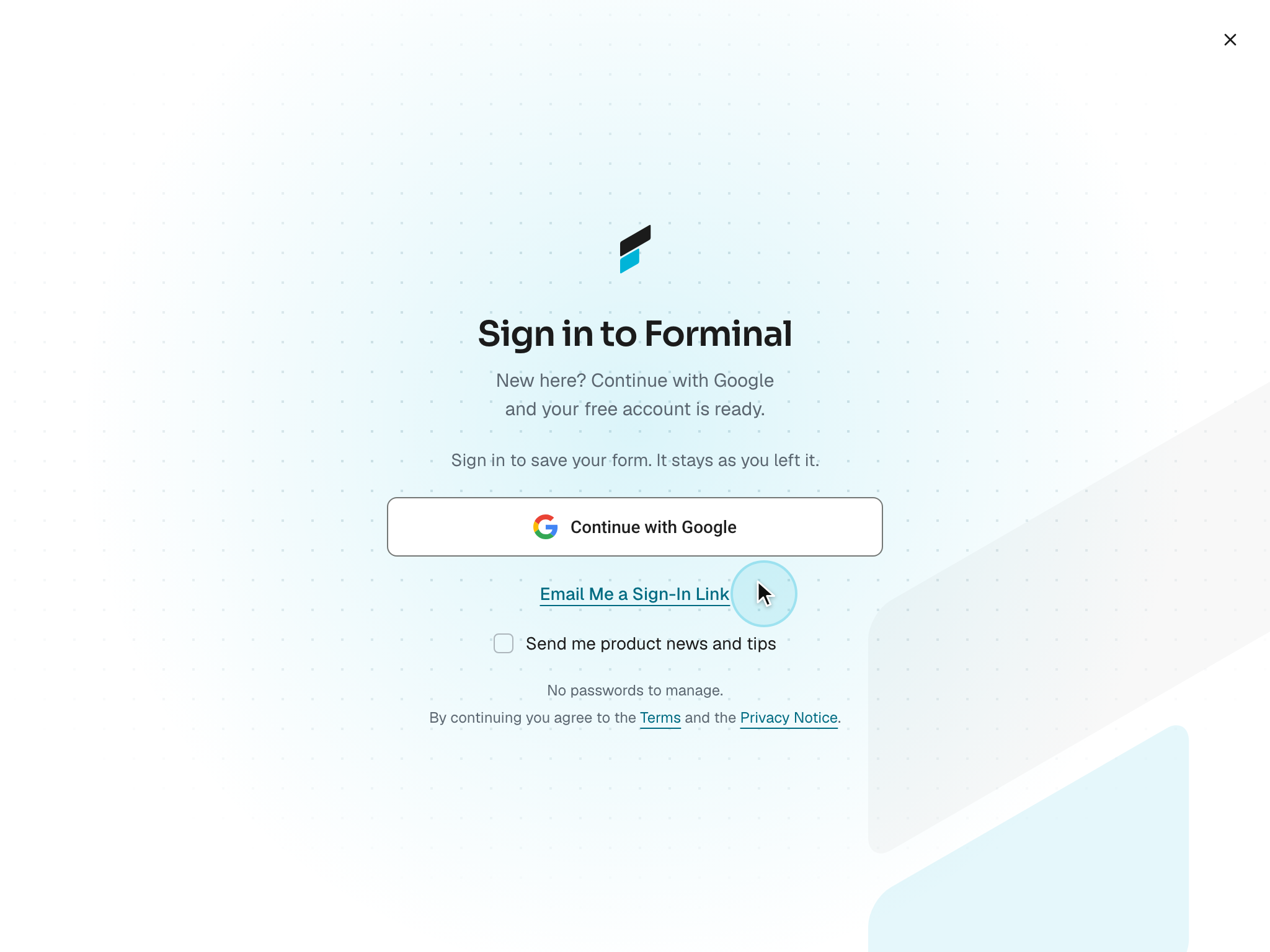
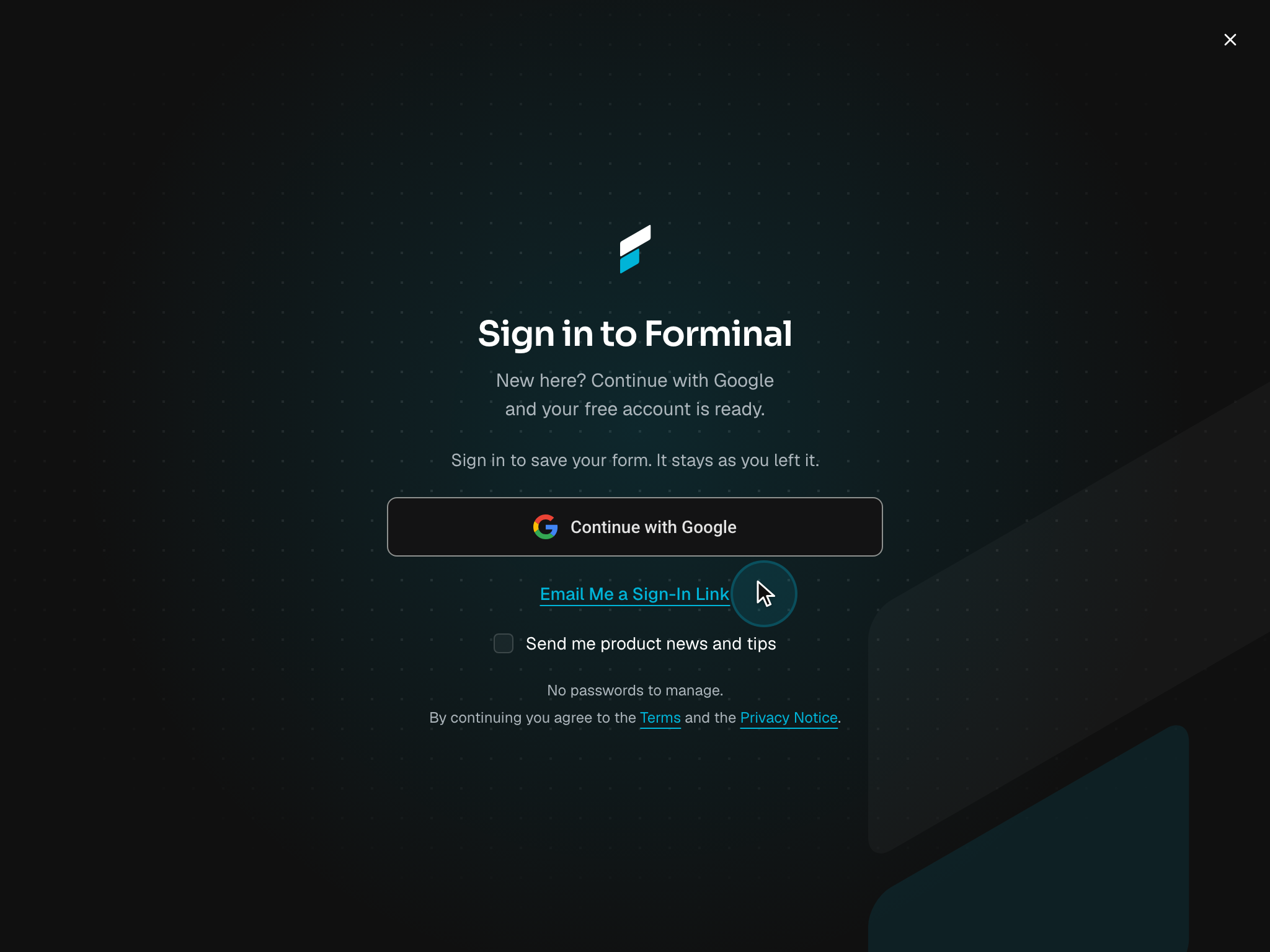
To go back to the builder without signing in, select the X in the top right corner. Your form is still there.
The Send me product news and tips box starts unticked. To change your choice later, use the Send Me Product News and Tips switch in Account menu » Profile.
What you can do before signing up
Without an account you can build and edit the form, change its settings in Form Settings, style it in Customize, preview it, use undo and redo, and look back through History. What waits for an account is anything that puts the form in front of other people or links it to your other tools: publishing, sharing and embedding, integrations, and the assistant. Since an unpublished form can’t be filled in, it won’t collect any submissions yet. You can add File Upload and Signature fields, but they collect files only once the form is in your account, where the files go to your Media Library or a Google Drive folder.
What happens to the form
Until you sign in, the form belongs to the browser you made it in. A cookie in that browser lets it reopen your drafts, and it lasts for a year. When you sign in from that browser, every form you made there moves into your account, and the cookie is removed. Nothing about the form changes on the way.
Good to know
A form you haven’t claimed can’t be opened from another browser or device, and it’s out of reach if you clear that browser’s cookies or use a private window that you then close. So sign in before you switch devices. If an AI agent made the form for you through the API, it gives you a handoff link instead; opening it moves the form into your browser, and signing in there keeps it. One address can start up to 10 new forms a minute this way.
Frequently asked questions
Can I try Forminal without signing up?
Open the builder and a new draft starts right away. You can add fields, change Form Settings and Customize, preview the form and look through History before you create an account.
Can people fill in my form before I create an account?
No. A form has to be published before anyone can fill it in, and publishing needs an account, so a guest draft collects no submissions.
Will I lose my draft when I sign up?
Your work is kept. When you sign in from the same browser, every form you made there moves into your account, exactly as it was.
Can I open a guest draft on another computer?
Not until you sign in. A form you haven’t claimed belongs to the browser it was made in, so sign in there before you switch devices.
How long is my draft kept if I never sign up?
The cookie that reopens your drafts lasts a year. If you clear that browser’s cookies, or close a private window, before signing in, the form is out of reach.
Can I use the AI assistant without an account?
The assistant waits for an account. Selecting Ask AI opens the sign-in page over the builder, and once you sign in you can use the assistant on the same form. See AI Assistant.