When someone tells you their name, the next question can use it. With Answer Piping, a label written as “Thanks, @Name. What brings you here today?” reads “Thanks, Anna. What brings you here today?” for Anna, and it updates as she types. Answer Piping works on every plan, including Lite.
Pipe an answer into a question
- Click into the text you want to change, such as a field’s label on the canvas.
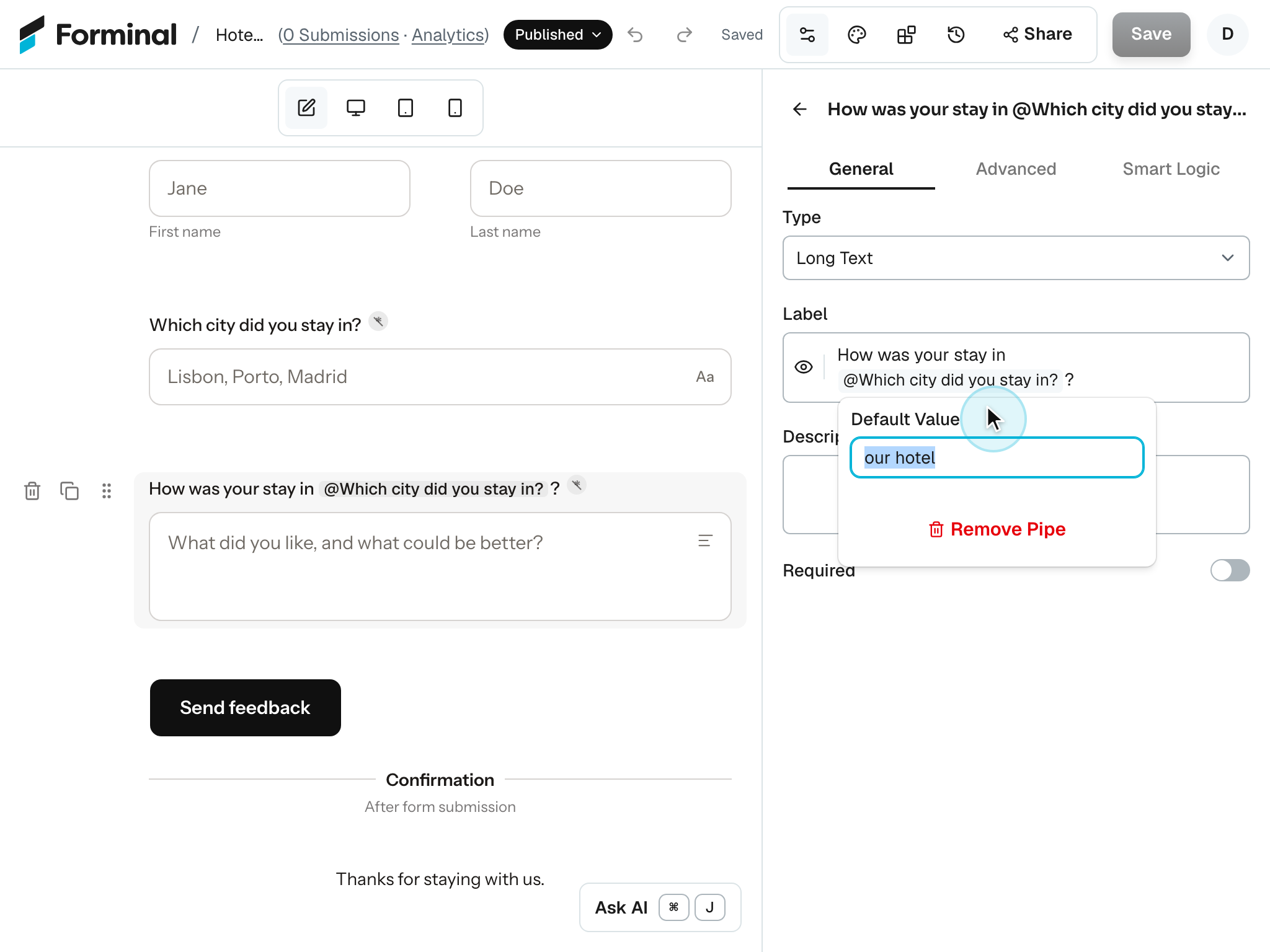
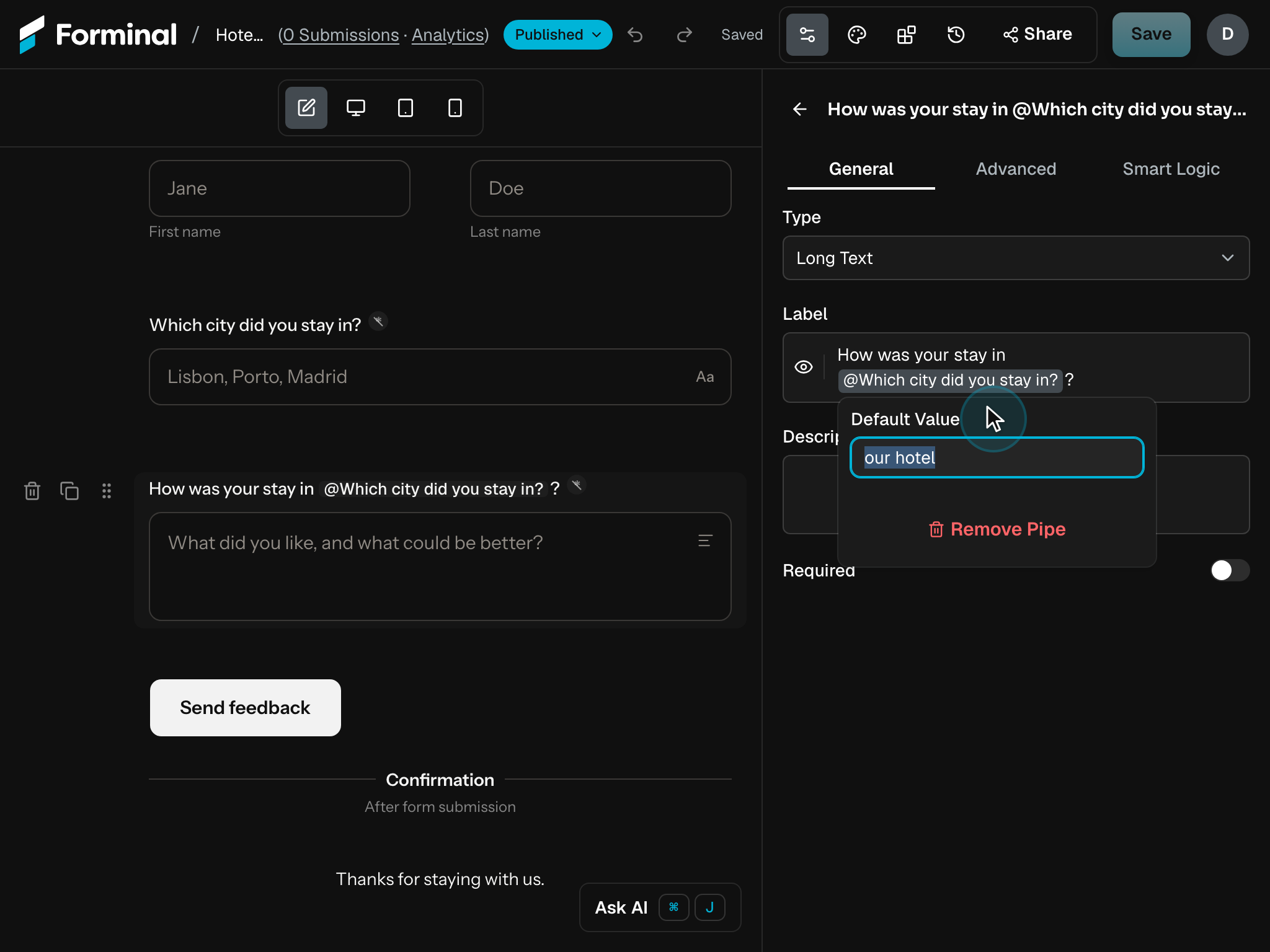
- Type @. A menu opens with the questions you can use. Type a few letters to narrow the list, then pick one.
- The answer shows as a chip, such as @Name. Click the chip to set its Default Value, or select Remove Pipe to take it out.
A question can use answers from the fields above it, because those are the ones people have reached. A hidden field is the exception: its value comes from the form’s link before anyone answers, so it can be piped anywhere.
Follow-ups that read like a conversation
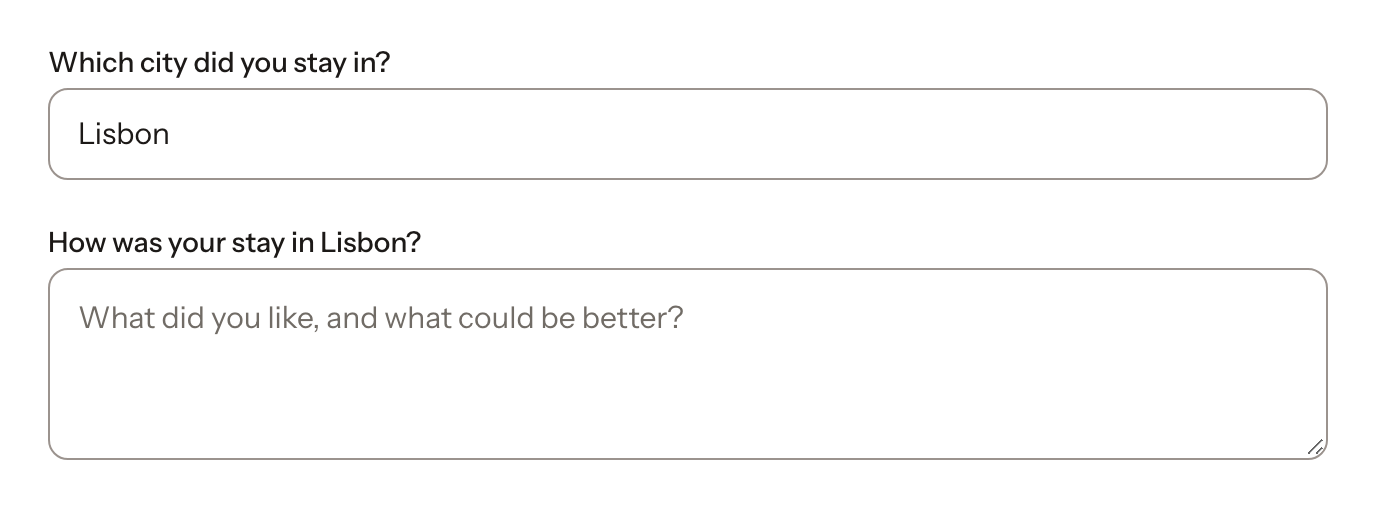
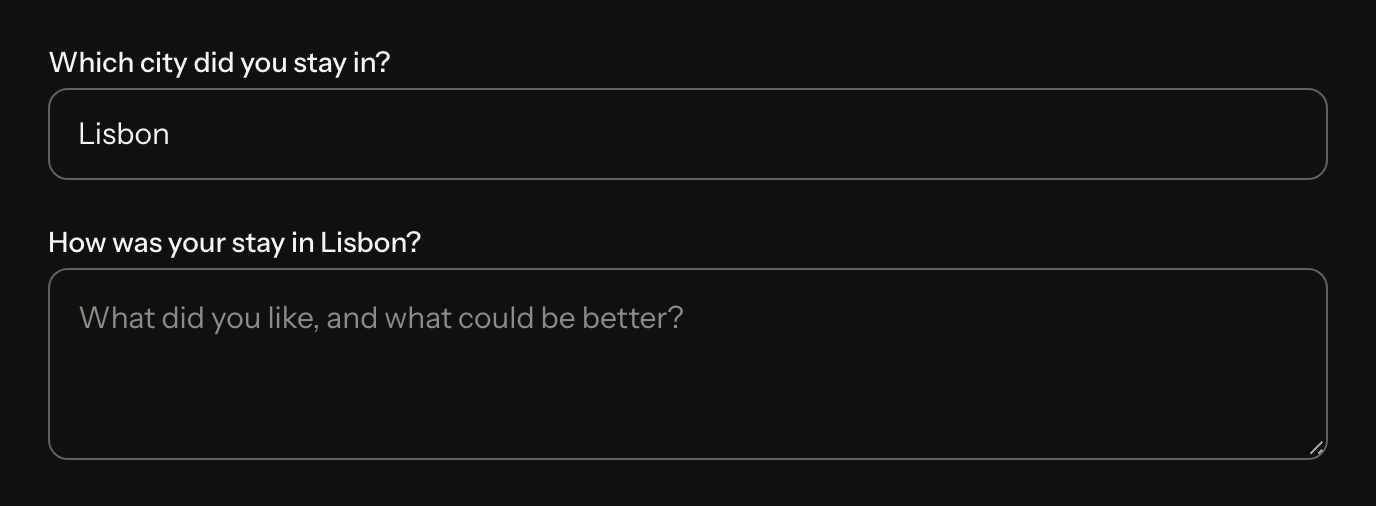
- “How was your stay in @City?” on a hotel feedback form.
- “You picked @Plan. What made you choose it?” right after a choice question.
- “Almost done, @Name” as the title of the last page.
- A thank-you message that says “We’ll send the details to @Email.”
Where pipes work
You can pipe into field labels, descriptions and placeholders, choice and ranking options, content blocks, the titles of later pages, and the form’s title and description. The thank-you message and notification emails can use any field in the form, and a notification can also take All Answers, which lists every question with its answer. In a redirect address, answers go only into the query string and the part after #, URL-encoded, so they never change where the link leads.
Give every pipe a default
Sometimes there’s nothing to show, because the question was skipped or Smart Logic hid it. The pipe then shows its default value, and without one it shows nothing, so “Thanks, @Name!” would read “Thanks, !”. Click the chip and set a default such as “there”, up to 100 characters, and the sentence reads well either way.
Good to know
- Button text, the first page’s title and an email’s From Name can’t be piped, and neither can signatures or payments.
- In submissions and exports, a label with a pipe reads as @ and the field name, not the text the person saw.
- If you delete a field that other text pipes from, each of those pipes turns into its default value as plain text.
Reuse Answers in Later Questions walks through a personal thank-you message, and the Answer Piping page shows how each type of answer reads when piped. To greet people with something from the link, such as a referral code, use Hidden Fields.
Create a free account and greet the next person who fills in your form by name.