A hidden field saves a value you don’t ask for. It picks the value up from the form’s link, or from the page the form is embedded on, and stores it with the submission. Visitors never see it.
Examples
- Record which campaign sent each submission. UTM Tracking does that with no field, and a hidden field takes a parameter of your own, such as
?ref=newsletter. - Pass a customer or order number from your own site, so each submission matches your records.
- Greet people by name in the thank-you message, using a name from the link.
- Show an extra question only to visitors who arrive from a certain source.
Add a hidden field
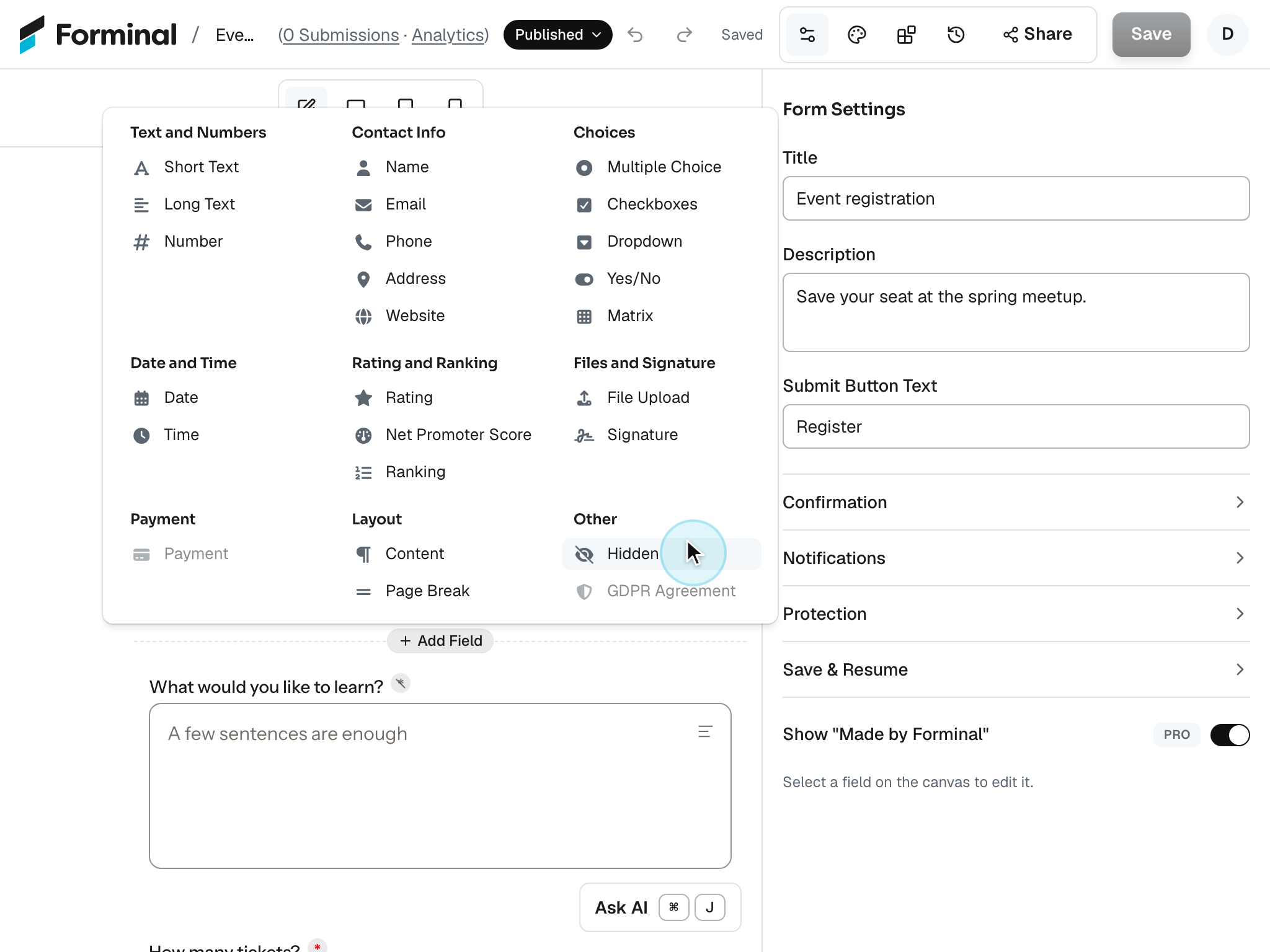
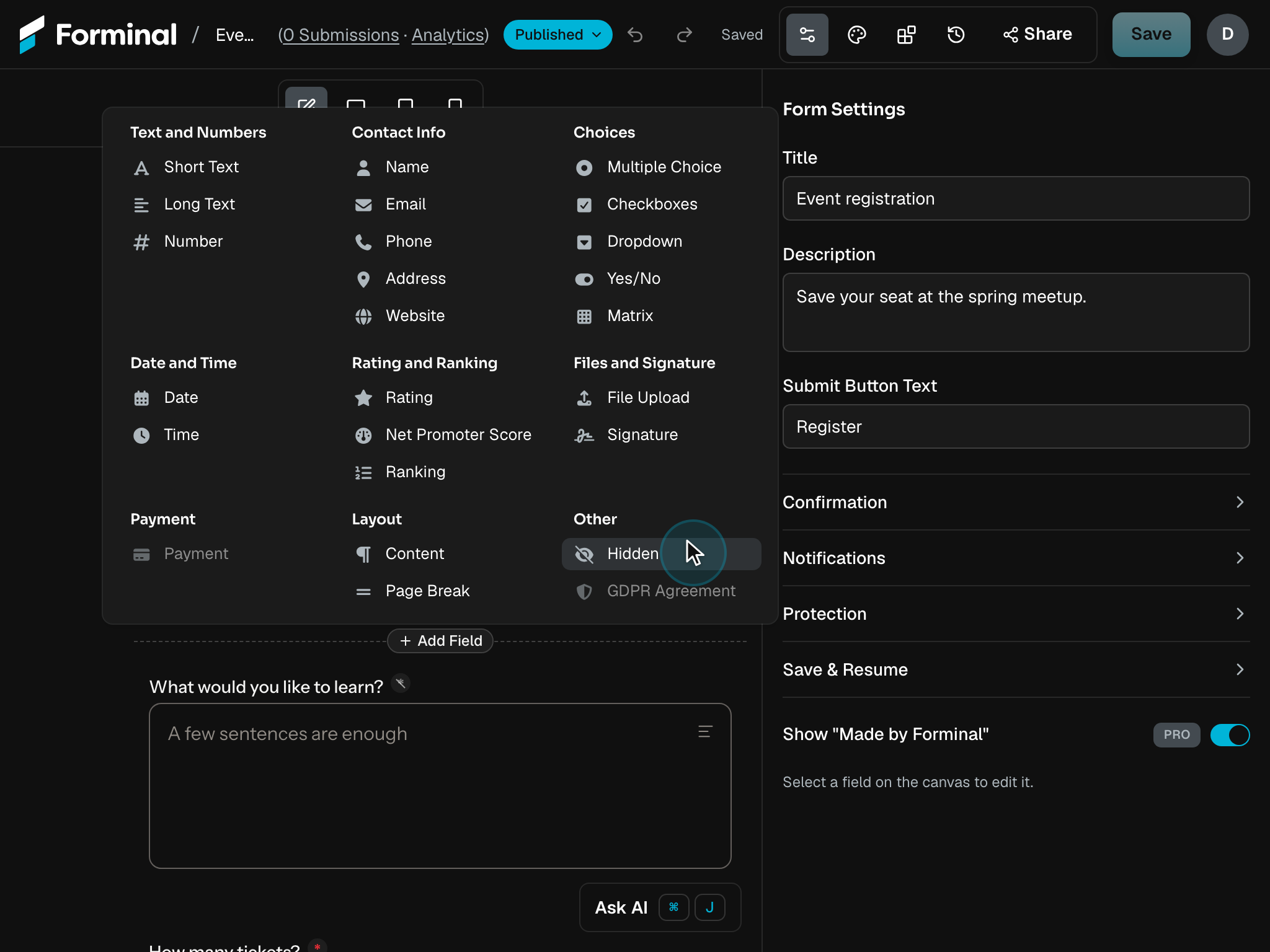
- In the builder, select Add Field » Hidden. On an empty form, select Start from Scratch instead of Add Field. It is under Other.
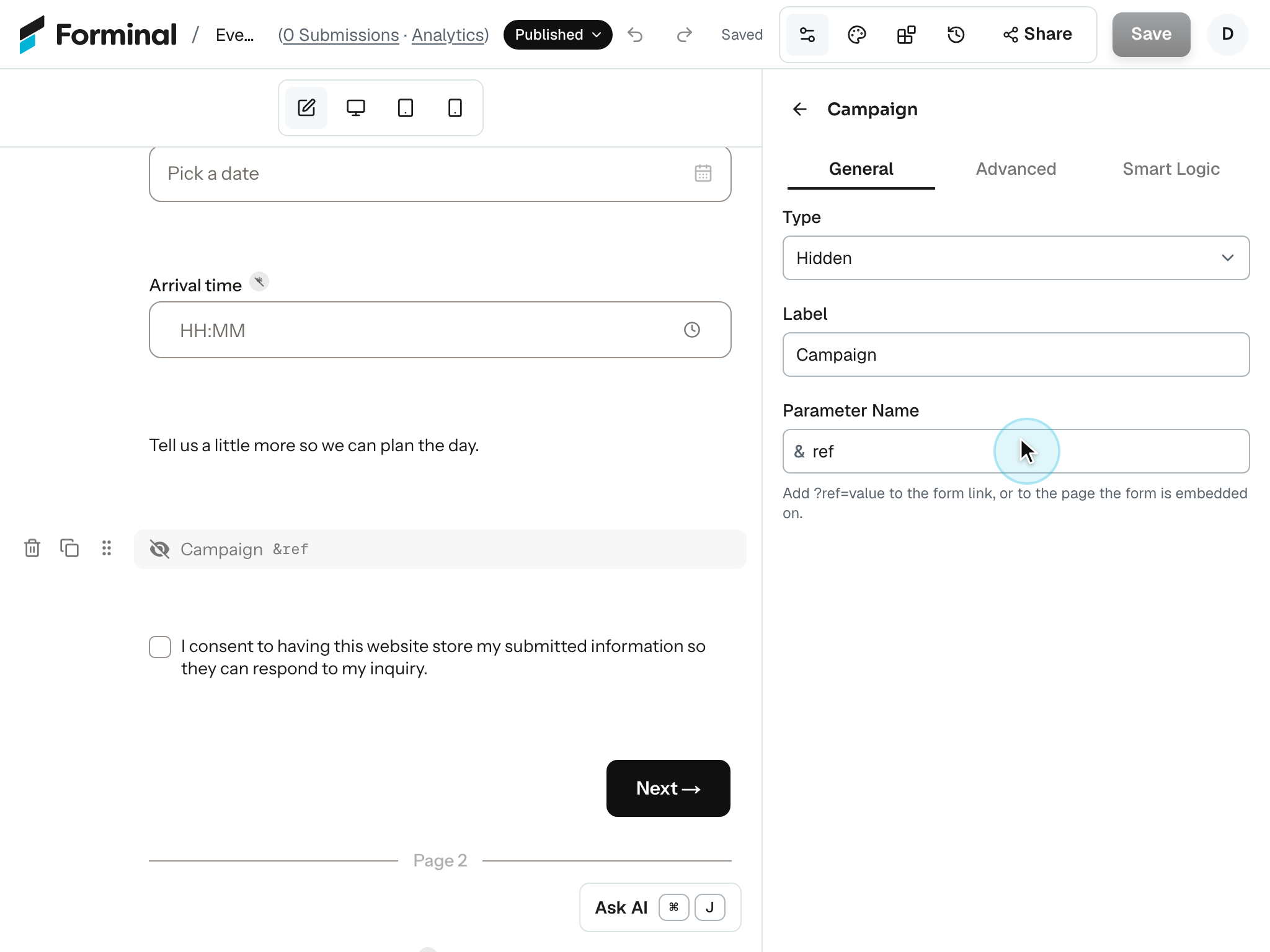
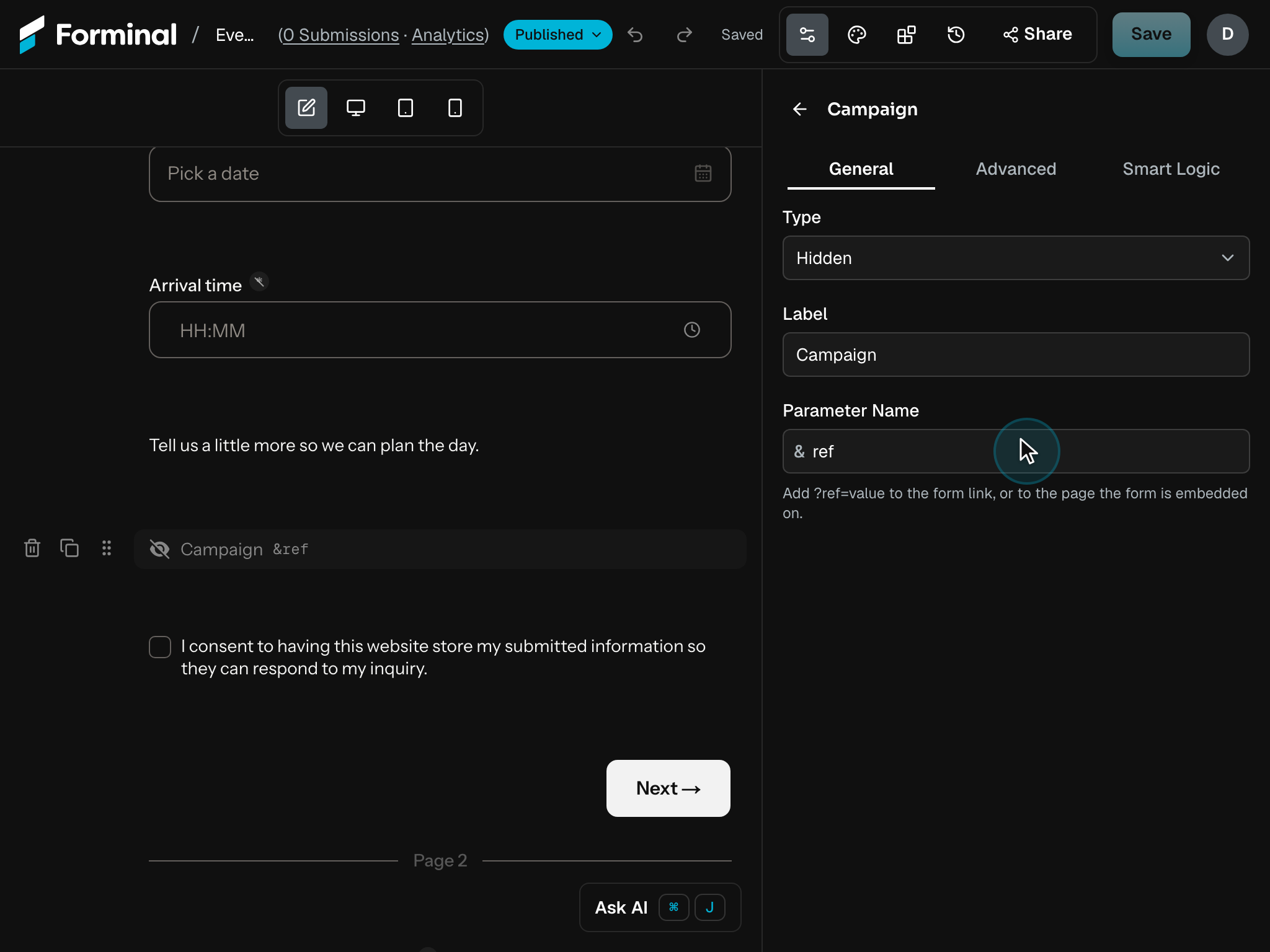
- Under Parameter Name, type the name the link will use. The field starts as
hidden_1. - Give the field a label, so you can recognize it in your submissions.
A parameter name takes 1 to 64 letters, numbers, dashes or underscores, and capitals count, so Ref and ref are different. Each hidden field on a form needs its own name. The names access, resume, af_resume, af_style, hideTitle, transparent, opaque, payment_intent, payment_intent_client_secret, redirect_status, setup_intent and setup_intent_client_secret are reserved, because the form itself reads them. A hidden field that already used resume, af_resume, opaque or af_style is renamed to the next free hidden_N, so update the links that fill it.
In the builder a hidden field shows as a small row with its label and &name. It has no Required switch and no description.
Fill it from a link
Add the parameter to the end of the form’s link. For a field named ref, ?ref=newsletter saves newsletter. Use & between several values, as in ?ref=newsletter&plan=pro. It works on the form’s own link and on a custom domain.
When the form is embedded, put the parameter on the page that holds the embed. The embed code passes it on to the form, so https://example.com/signup?ref=ad saves ad. It passes values only to this app’s forms, never to other sites, and it leaves out the reserved names above.
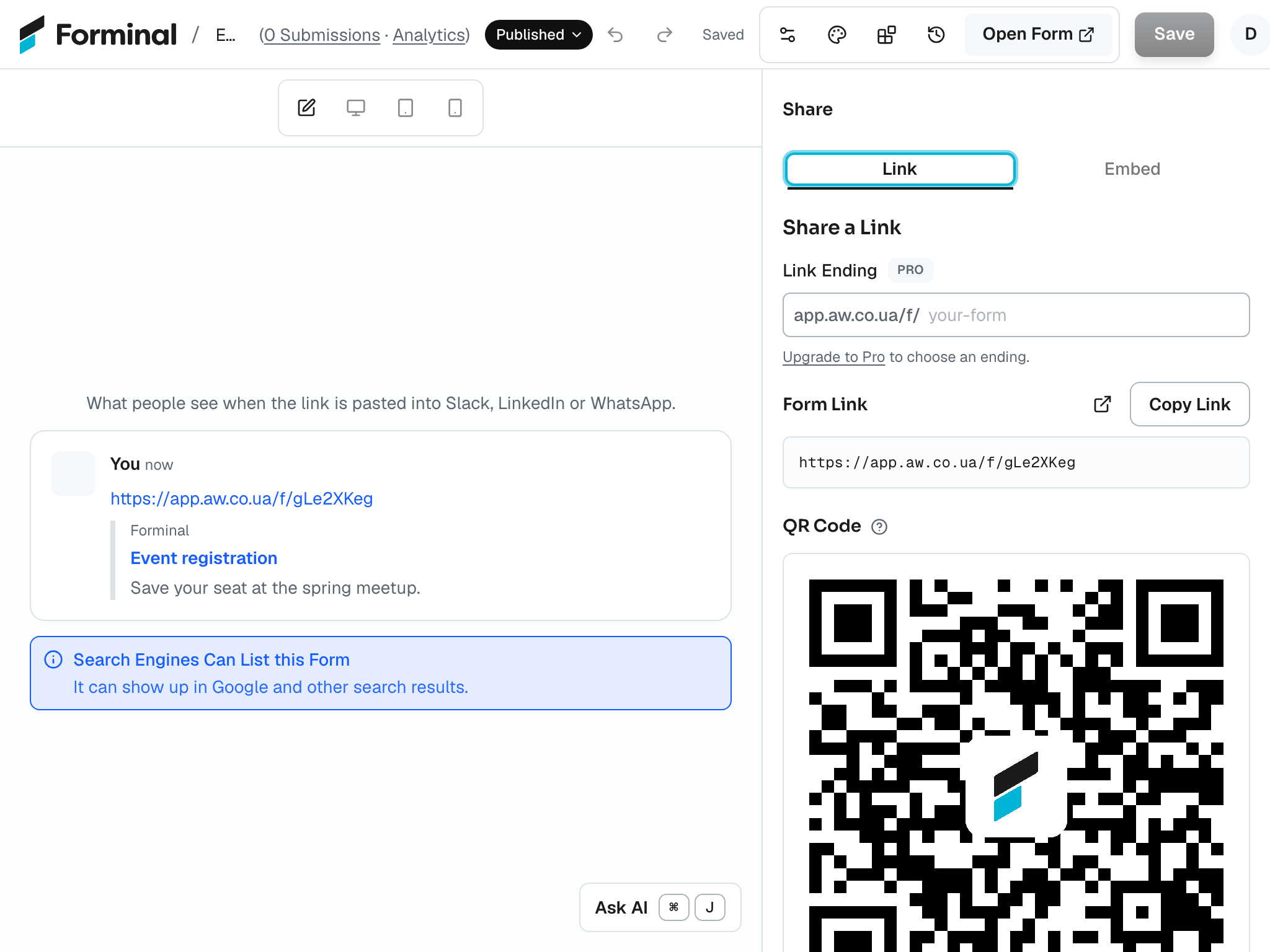
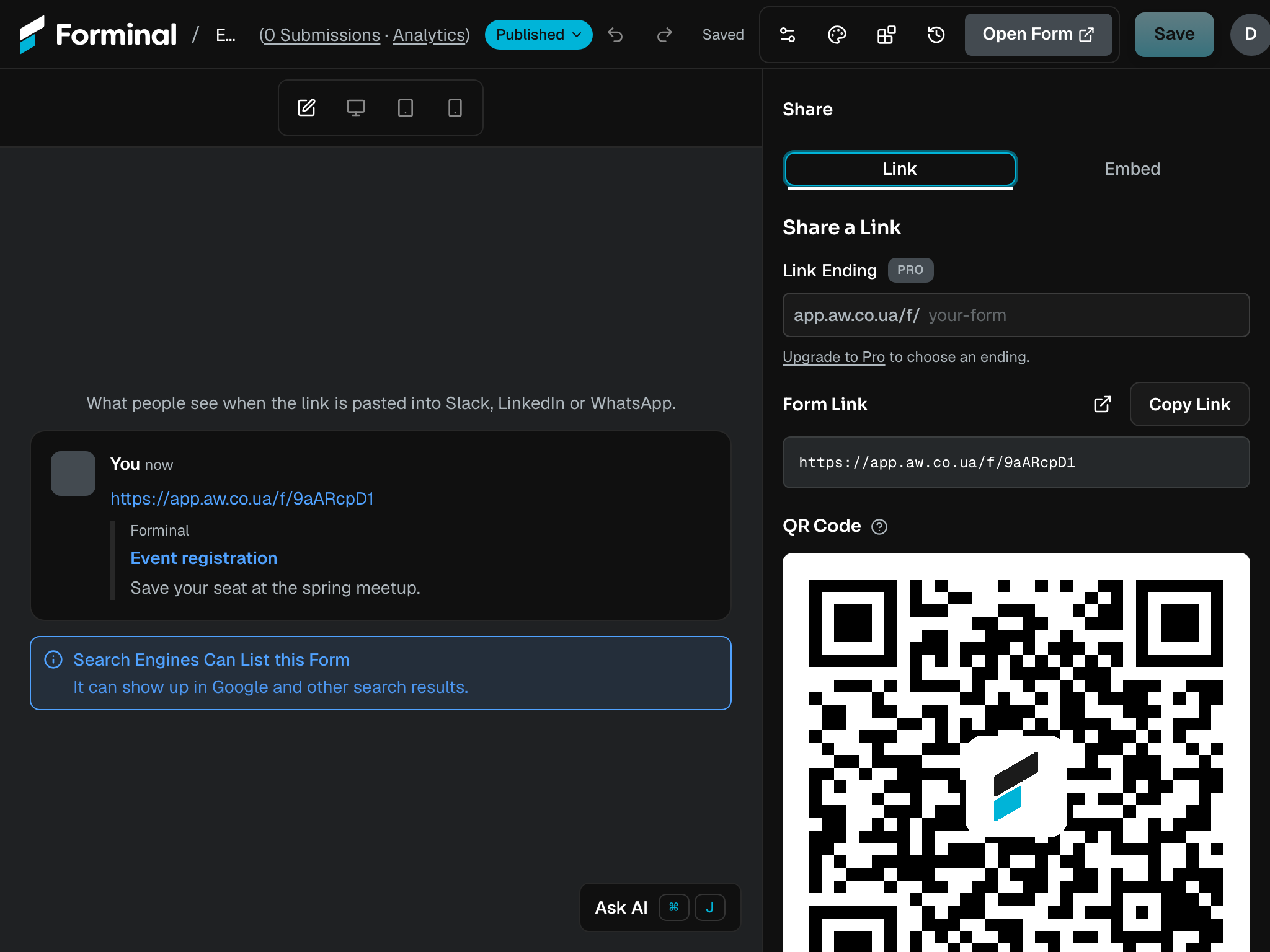
The Link tab of the Share panel shows an example with your field names and a Copy button, under “Add this to the link, or to the page the form is embedded on, to fill the hidden fields.”
What gets saved
- Spaces at the start and end are removed, and so are control characters.
- Values are cut to 500 characters.
- When a parameter appears twice, the first one is used.
- When the link has no value for the field, nothing is saved for it.
Use the value in the form
A hidden value is a normal answer to the form. It appears in submissions, in CSV exports, in submission PDFs, in notification emails and in what your integrations and webhooks receive.
You can pipe it into any text that takes answer piping, such as a label, an option, a description or the thank-you message. A value from a link is always shown as plain text, never as code. See Answer Piping for the syntax.
In Smart Logic a hidden field works like a Short Text field, with is, is not, contains, does not contain, starts with, ends with, empty and not empty. The value is there from the first moment, so a rule that depends on it applies before the visitor types anything.
In a redirect after submit, a piped value works only in the part after the ? or #, and it is URL-encoded. The address and path stay as you wrote them. To add one, type @ after the ?, & or = in Redirect URL and pick the field.
Good to know
Anyone can edit a link, so treat a hidden value as information the visitor supplied, not as proof of anything. Don’t use it for prices or permissions.
Hidden fields never show on the form, in the builder’s preview or in a template demo. They are not offered to browser agents, and form analytics doesn’t track them. Hidden fields are available on every plan.
Frequently asked questions
Can visitors see or change a hidden field?
They never see it on the form. Anyone can edit the link it reads from, though, so treat the value as something the visitor supplied and don’t use it for prices or permissions.
Do hidden fields work when the form is embedded on my site?
They do. Put the parameter on the address of the page that holds the embed, and the embed code passes it on to the form, leaving out the reserved names.
Where do hidden field values show up?
In the same places as any other answer: the Submissions page, CSV exports, submission PDFs, notification emails, and what your integrations and webhooks receive.
What is saved when the link has no value for the field?
Nothing is saved for that field. Smart Logic can check for it with the empty and not empty rules, for example to show a question only when the value is missing.
Can I pass a hidden value on to the page I redirect to?
You can pipe it into the part of the redirect address after the ? or #. The value is URL-encoded, and the address and path stay as you wrote them. See Redirect After Submit.
Do hidden fields need a paid plan?
No, hidden fields are available on every plan.