Cada formulario nuevo empieza como un borrador. Solo tú y las personas con las que trabajas podéis abrirlo, así que puedes crearlo y probarlo a tu ritmo. Una vez que lo publiques, cualquiera con el enlace podrá rellenarlo.
Ejemplos
- Preparando un formulario de evento una semana antes de que se abra el registro.
- Revisando un formulario con un colega antes de que se publique.
Mientras es un borrador
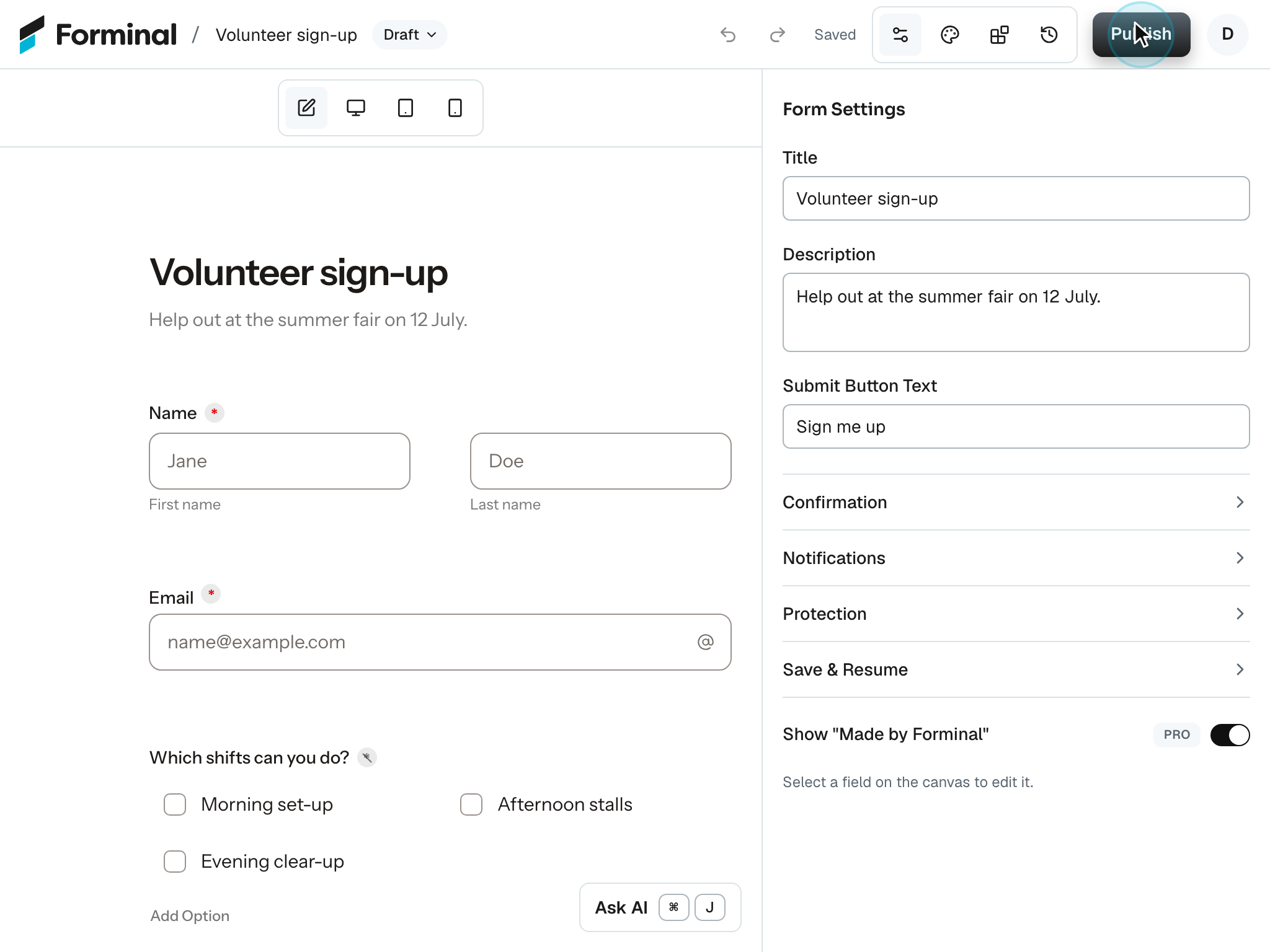
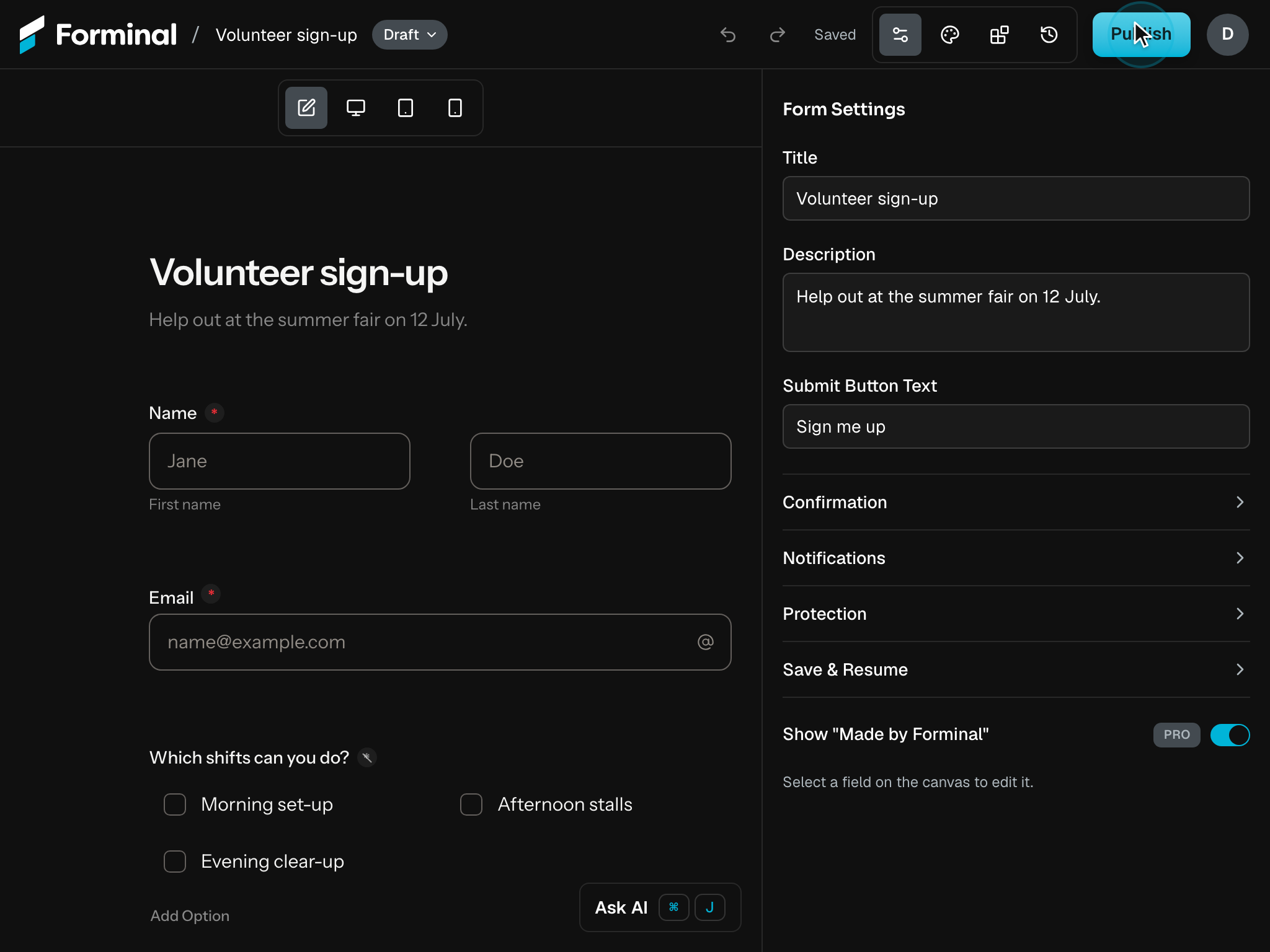
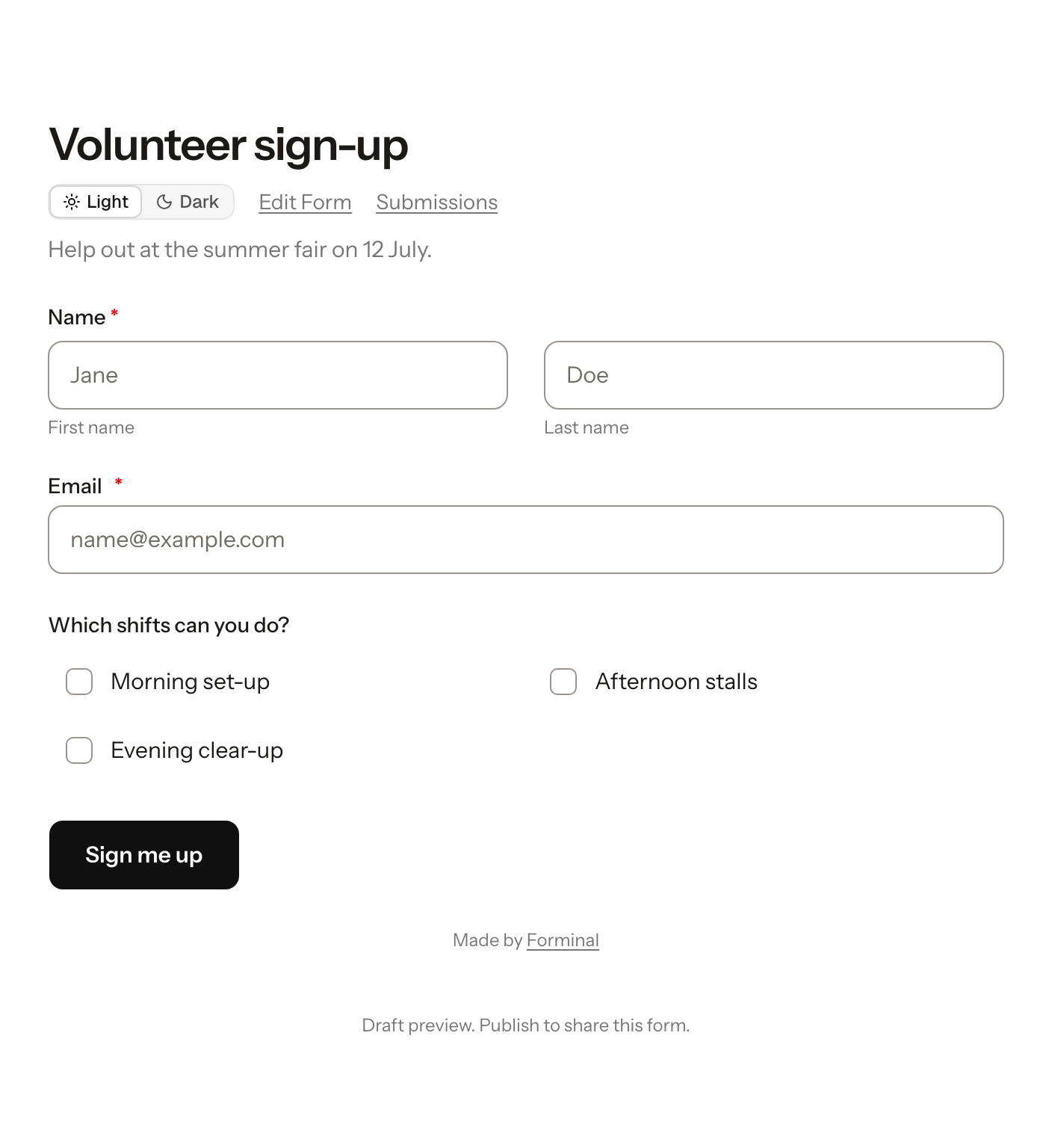
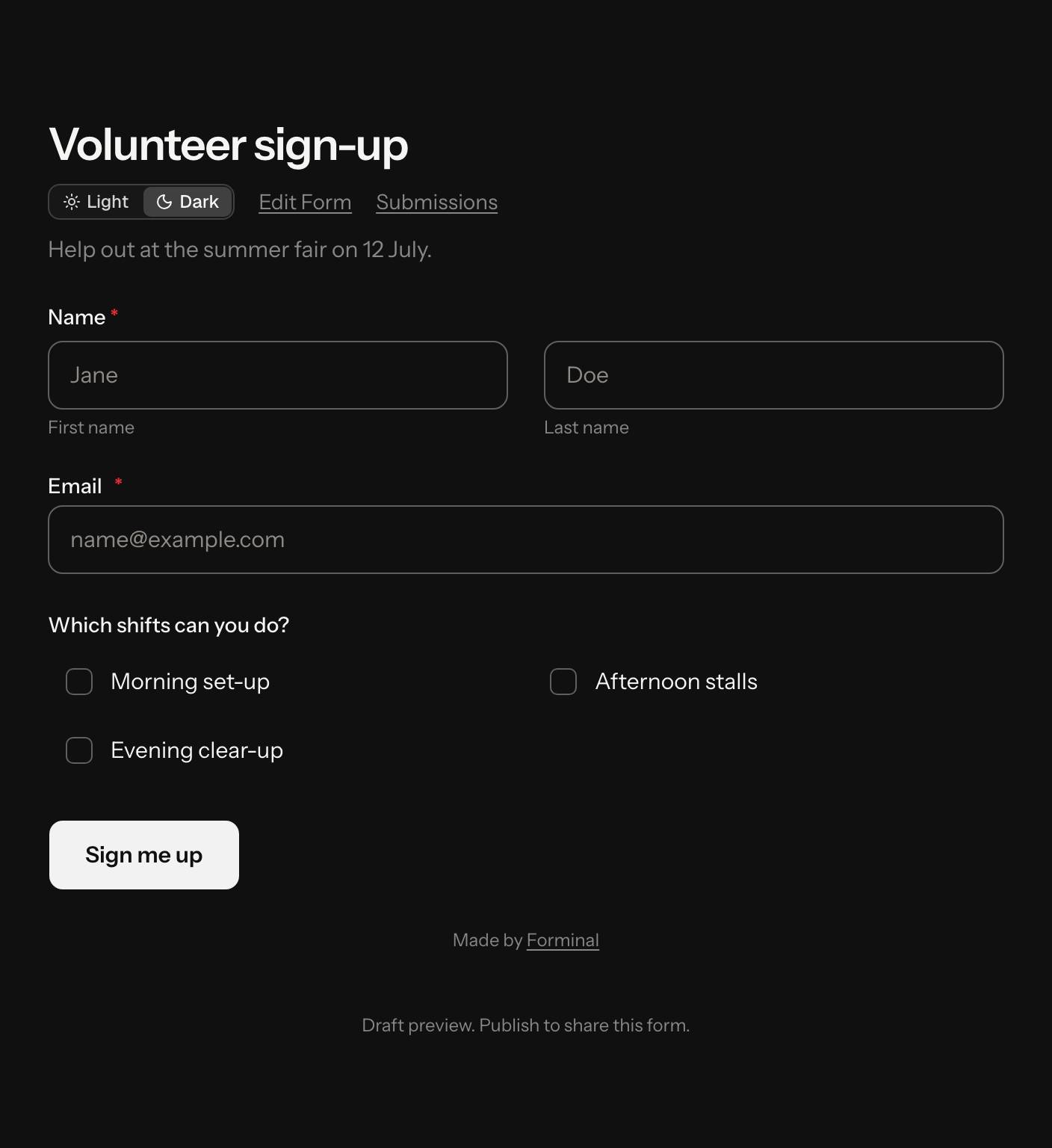
The builder’s top bar shows a Draft badge, and the builder saves every change as you go. You’ll see Saving and then Saved next to the undo buttons. Anyone else who opens the form’s link, or a page that embeds it, gets a page that says it can’t be found. You and people with access to the form can open the link and see the form with “Draft preview. Publish to share this form.” under it, but a draft doesn’t accept submissions. To test the whole flow, switch the builder to Desktop, Tablet or Mobile and submit there; preview saves nothing and sends no email.
Publicar un formulario
- Select Publish at the top right of the builder. If you built the form without an account, you’re asked to sign in first.
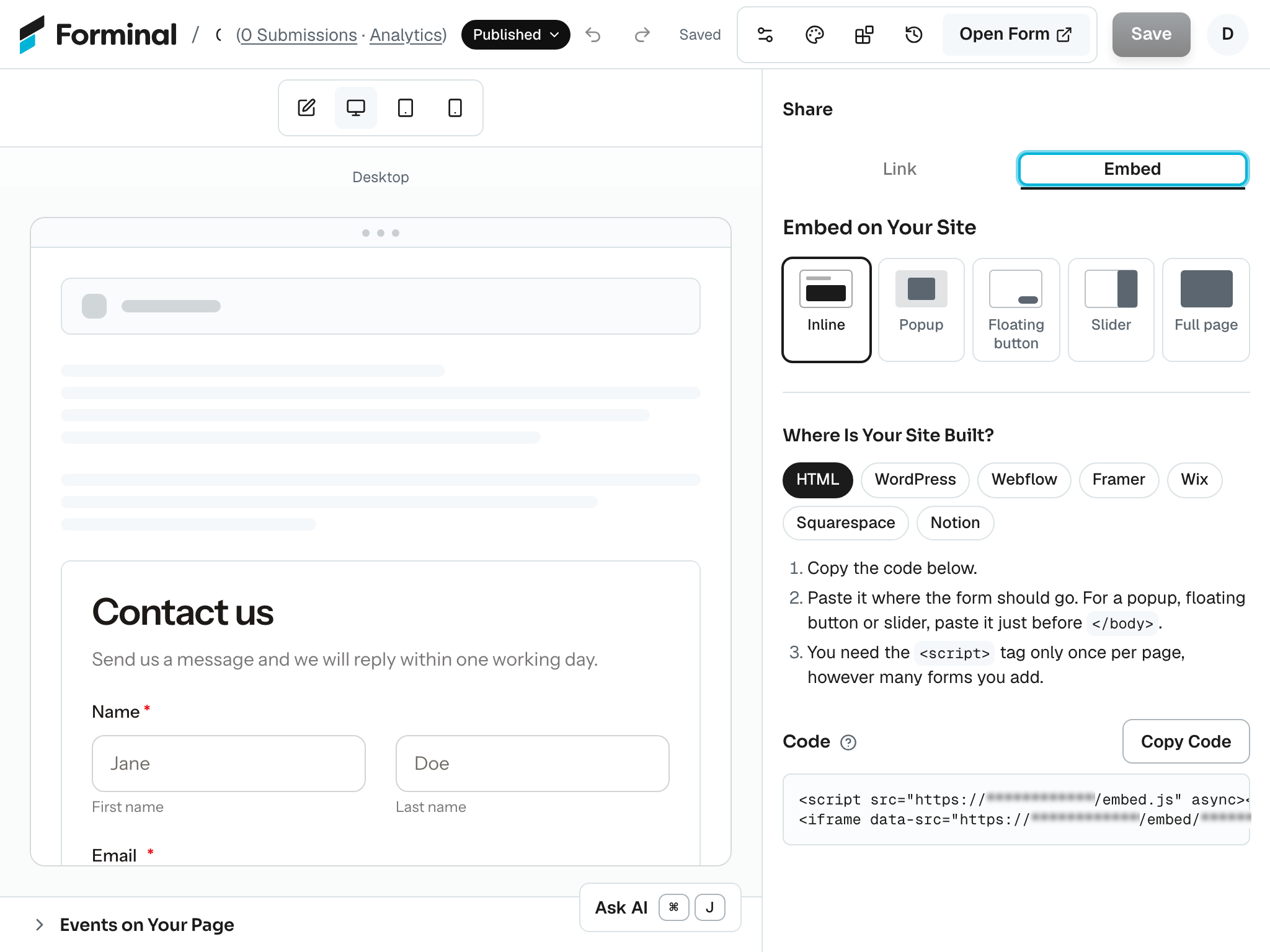
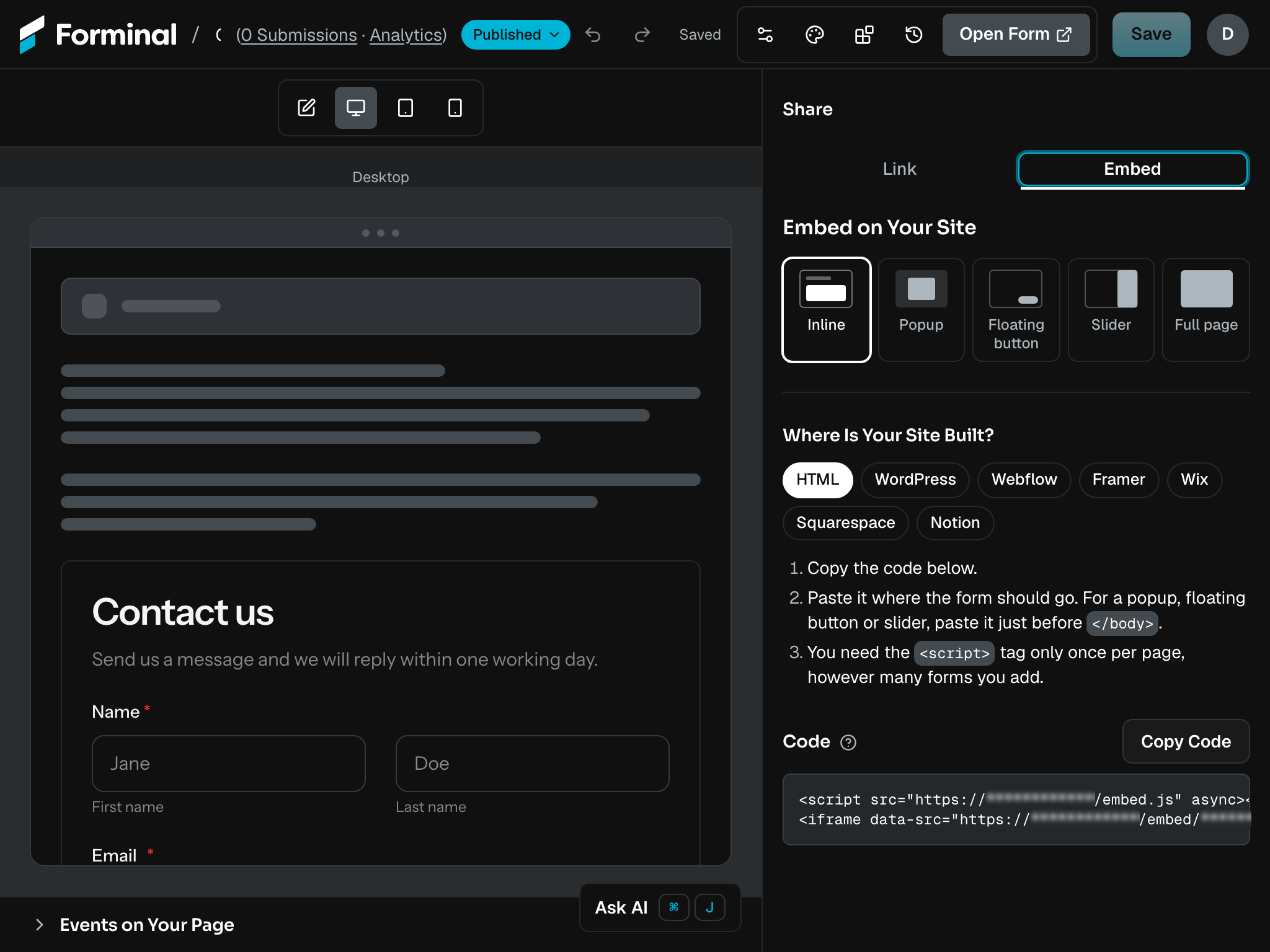
- The badge changes to Published and the Share panel opens, with the form’s embed code on one tab and its link on the other. A Save button takes the place of Publish.
Algunos formularios aún no se pueden publicar, y verás por qué. Un formulario necesita al menos un campo. Un formulario con un campo de pago también necesita un campo de Correo electrónico, una fuente de cantidad con un precio y métodos de pago que funcionen con su divisa. Si el formulario utiliza funciones que tu plan no incluye, aún se publica, y un aviso enumera lo que no se mostrará en el formulario en vivo.
Editar un formulario publicado
Once a form is published, the builder stops saving as you go, so nobody filling it in sees a half-made change. Your edits wait in the builder, and the top bar reads Unsaved changes. To put them live, select Save in the top bar, or press Cmd+S on a Mac or Ctrl+S elsewhere. Save checks the form by the same rules as Publish: if something would stop it from publishing, the builder says what to fix and the live form stays as it was. The link stays the same.
Each Save keeps the version it replaces in Version History, so you can go back to it later. Publishing saves a version too. A version you restore on a published form also waits as unsaved edits until you select Save. The top bar links to the form’s submissions and analytics, and Share opens the Share panel again.
The assistant in the builder works the same way on a published form: its changes go in as unsaved edits and reach people only when you select Save. For a big change, you can also ask the assistant on your Forms page to duplicate the form and work on the copy.
Salir con ediciones sin guardar
If you select a link that leaves the builder before you save, a window titled Save Your Changes? asks what to do. Save Changes puts your edits live and then leaves, Discard Changes drops them and leaves, and Cancel keeps you in the builder. If you close or reload the tab instead, your browser shows its own warning, which has no Save option.
Mover un formulario a borrador
- In the builder, select the Published badge next to the form title.
- Choose Draft.
- In the Move to Draft? window, select Move to Draft.
The window warns: “Your form will go offline. Its link and every embed stop working until you publish it again.” Within 10 minutes of publishing there’s no window, and the form moves straight to draft, because it has had little time to be shared. Unsaved edits are saved into the draft, so you don’t lose them and none of them go live. Submissions stay where they are. To put the form back online, select Publish; the link is the same as before.
Bueno saber
Las vistas y otros análisis solo se cuentan en un formulario publicado.
También puedes pedir al asistente en tu página de Formularios que publique o despublique un formulario.
Preguntas frecuentes
¿Necesito una cuenta para publicar un formulario?
Sí. Puedes crear un formulario sin cuenta, pero al seleccionar Publicar se te pedirá que inicies sesión o crees una primero, y el formulario se moverá a tu cuenta tal como está.
¿Puede un formulario borrador recopilar envíos?
Un borrador no acepta envíos, y cualquiera que no esté trabajando en el formulario recibe una página que dice que no se puede encontrar. La vista previa en el creador te permite probar el flujo, pero no guarda nada y no envía ningún correo electrónico.
¿Cómo despublico un formulario?
Select the Published badge next to the form title in the builder, choose Draft and confirm with Move to Draft. The form goes back to being a draft, its link and every embed stop working, and its submissions stay where they are.
¿Puedo editar un formulario publicado sin que la gente vea los cambios de inmediato?
Yes. On a published form your edits wait in the builder until you select Save or press Cmd+S (Ctrl+S elsewhere), so people keep seeing the live version until then.
¿Qué pasa con las ediciones sin guardar si salgo del creador?
Una ventana pregunta si guardarlos, descartarlos o permanecer en el editor. Cerrar o recargar la pestaña muestra la advertencia del navegador en su lugar.
¿Por qué no puedo publicar mi formulario?
Un formulario necesita al menos un campo. Un formulario con un campo de pago también necesita un campo de Correo electrónico, una fuente de cantidad con un precio y métodos de pago que funcionen con su divisa. El creador te indica cuál de estos falta.
¿Puedo publicar un formulario que utiliza funciones que mi plan no incluye?
Aún se publica, y un aviso enumera lo que no se mostrará en el formulario en vivo hasta que actualices.