Estilos avanzados te da control sobre los tamaños y el espaciado: el ancho del formulario, el tamaño del texto y el tamaño, la forma y el espaciado de los campos y el botón. Cada ajuste es un número en píxeles, así que no necesitas escribir CSS.
Ejemplos
- Un formulario de registro estrecho y centrado en su propio enlace.
- Un botón de envío de ancho completo con texto más grande para visitantes móviles.
Cambiar un ajuste
- Open the form in the builder and select Customize in the top bar.
- Scroll to Advanced. It has three groups, Layout, Inputs and Button, followed by Custom CSS.
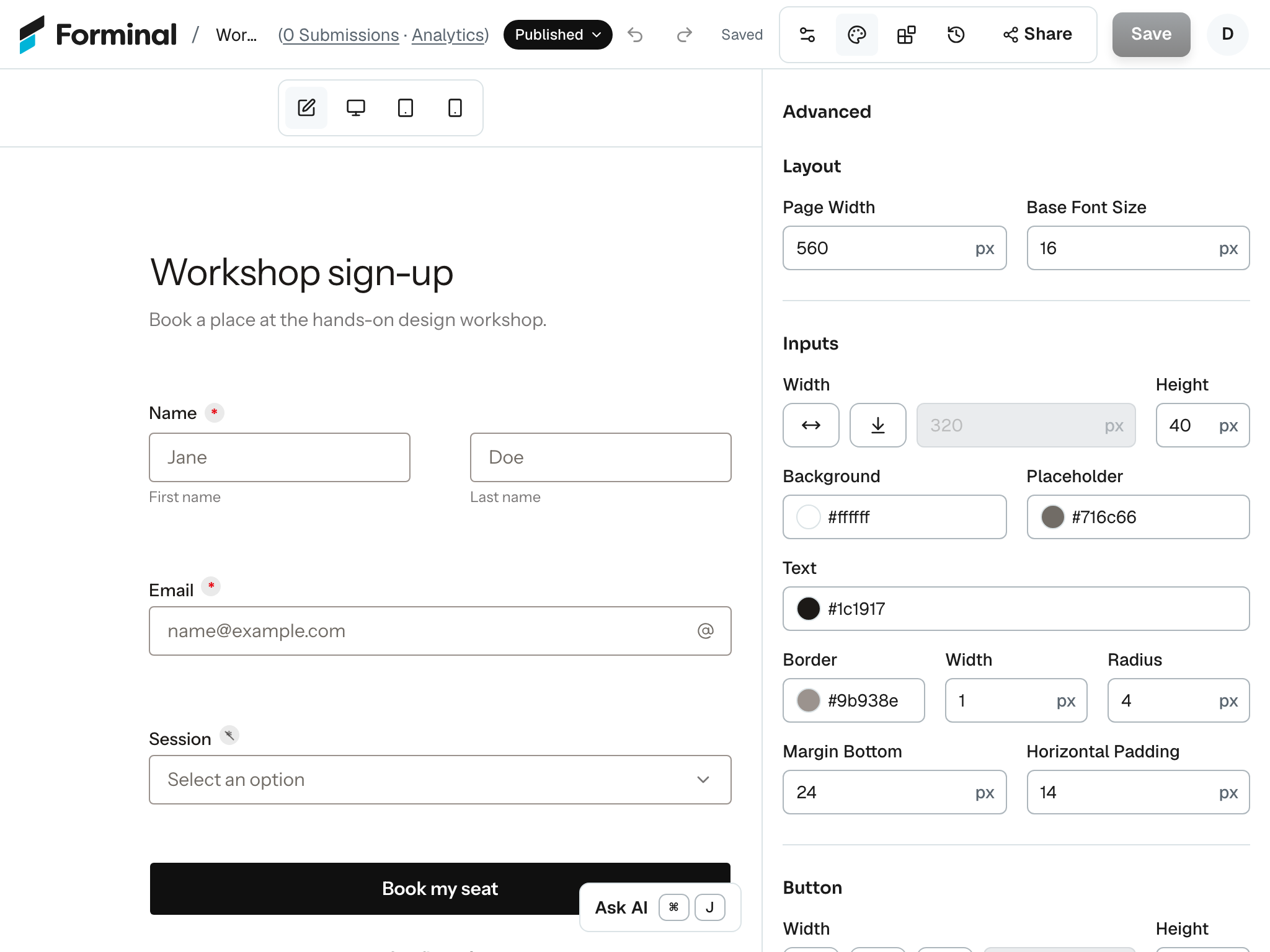
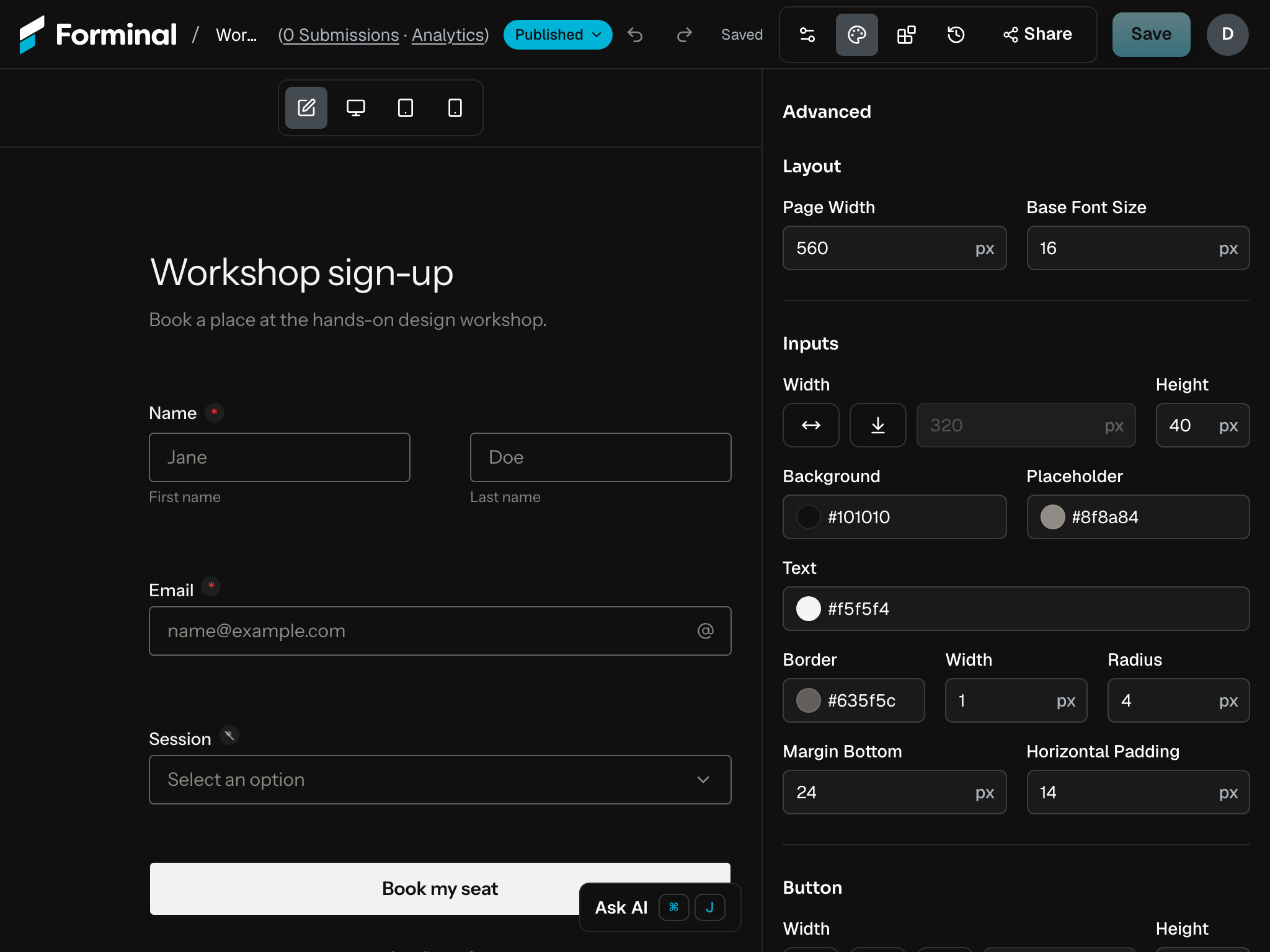
- Escribe un número en cualquier casilla o selecciona uno de los botones de ancho o alineación. El lienzo se actualiza mientras escribes. Un número fuera del rango permitido pone la casilla en rojo, muestra el rango (por ejemplo, "320 a 1200") y no se guarda.
Ajustes
Diseño
- Page Width: the widest the form gets on its own link, from 320 to 1200 px. The default is 672.
- Base Font Size: from 12 to 24 px, default 16. Everything scales from it: labels and input text are a bit smaller, captions smaller still, and the form title is one and a half times as big.
Campos
- Width: Full (the default) fills the form, or Fixed sets a width from 120 to 1200 px. Fixed starts at 320.
- Height: from 24 to 80 px, default 46. It applies to one-line inputs and dropdowns. Paragraph boxes keep their own height.
- Background, Placeholder, Text and Border: the input colors. Text colors what people type, and starts as the form’s Text color. See the Colors page.
- Width next to Border: the border thickness, from 0 to 8 px, default 1. Set 0 for no outline.
- Radius: how round the corners are, from 0 (square) to 40 px, default 10.
- Margin Bottom: the space between one field and the next, from 0 to 80 px, default 24. Fields that share a row use the same gap between them.
- Horizontal Padding: the space between the input’s edge and the text inside it, from 0 to 40 px, default 14.
Botón
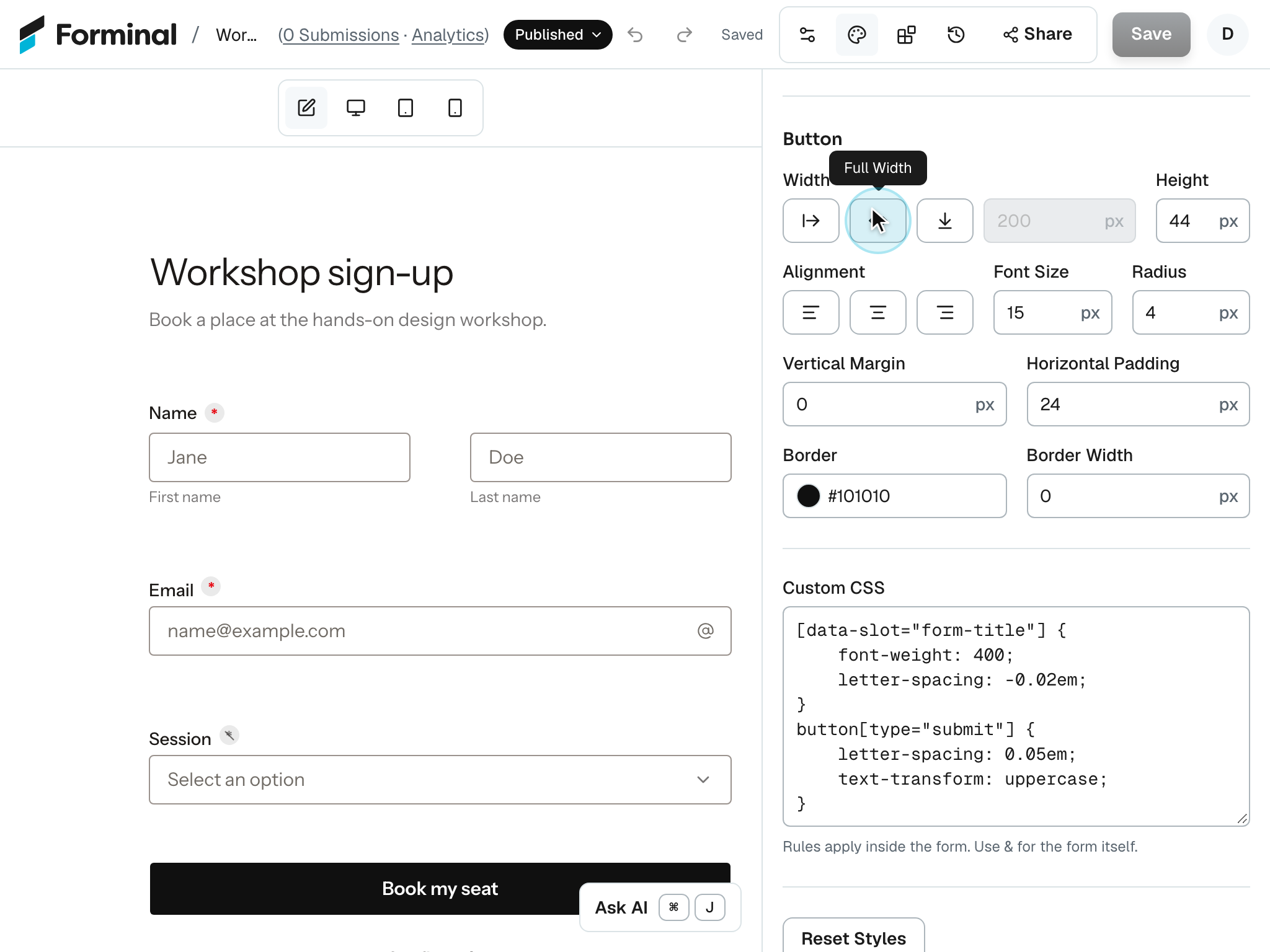
- Width: Auto (the default) fits the button text, Full fills the form, and Fixed sets a width from 80 to 1200 px, starting at 200.
- Height: from 24 to 80 px, default 48.
- Alignment: left (the default), center or right.
- Font Size: the button text, from 10 to 32 px, default 15.
- Radius: from 0 to 40 px, default 10.
- Vertical Margin: extra space above and below the button, from 0 to 80 px, default 0.
- Horizontal Padding: space on each side of the button text, from 0 to 60 px, default 24.
- Border and Border Width: a line around the submit button and the Next and Previous buttons, from 0 to 8 px. The width starts at 0, so there’s no border until you set one.
Bueno saber
Page Width applies on the form’s own link. In an inline embed or a popup, the form fills the frame on your site, so you control its width there. On a form with several pages, the Previous and Next buttons sit at opposite ends of the row whatever Alignment you pick. On phones, input text never goes below 16 px, so the screen doesn’t zoom in when someone taps a field. If your plan doesn’t include Advanced Styles, you can still try them on the canvas, but the published form and the preview use the default sizes. The input colors and the button’s Border and Border Width aren’t part of that and always apply, even though they sit under the Advanced heading. A theme sets most of these sizes for you, and the same rule applies to them. Default and High Contrast, the two themes without a PRO badge, use the default sizes, so they look the same on every plan. Reset Styles puts every setting back to its default.
Preguntas frecuentes
¿Qué plan incluye Estilos avanzados?
Estilos avanzados forma parte de Pro, y Business incluye todo en Pro. En Lite puedes probarlos en el lienzo, pero el formulario publicado y la vista previa utilizan los tamaños predeterminados. Los colores de entrada y el borde del botón funcionan en todos los planes. Consulta Planes y actualizaciones.
¿Por qué el Ancho de página no cambia mi formulario incrustado?
El Ancho de página se aplica solo al propio enlace del formulario. En una incrustación en línea o una ventana emergente, el formulario llena el marco en tu sitio, por lo que configuras el ancho allí.
¿Por qué el texto de entrada en los teléfonos es más grande de lo que establecí?
En los teléfonos, el texto de entrada nunca es inferior a 16 px. Eso evita que la pantalla se acerque cuando alguien toca un campo.
¿Necesito saber CSS para usar Estilos avanzados?
No. Cada configuración es un número en píxeles o un botón. Para detalles que la configuración no alcanza, puedes escribir CSS personalizado.
¿Por qué los botones Anterior y Siguiente no siguen la alineación de mi botón?
En un formulario con varias páginas, Anterior y Siguiente siempre se sientan en extremos opuestos de la fila, independientemente de la Alineación que elijas.